Claude Code + Remotion: motion graphics from one sentence
The exact setup, the six prompts and the editing skill behind our Claude Code motion graphics Reel. Logo reveals, data charts, kinetic type, product ads and real 3D, all rendered in code.
Came from the Reel? You commented MOTION. Here is everything, with one-tap copy.
Setup
Install Claude Code
npm install -g @anthropic-ai/claude-code
Add the official Remotion skill
npx skills add remotion-dev/skills
Start a video project
npx create-video@latest
Open it in Remotion Studio
npm run dev
Free download
🎁 VintuxAI Motion Skill
The editing rules behind our Reels in one file: beat-locked cuts, Instagram safe zones, spring settings, a transition playbook and a frame-by-frame self-check. Drop it into .claude/skills/vintuxai-motion/ and Claude edits like this video.
Make a 9:16 Remotion video with three.js: 7,000 glowing particles orbit like a spiral galaxy, then swirl and collapse into a 12-ray starburst logo on the beat. Big hook text on frame 0.
Logo reveal
Make a 9:16 logo reveal for [brand]: the logo outline draws itself, fills with a glowing gradient, shock rings and sparks burst out, a light sweep crosses it, then the wordmark rises letter by letter. Use springs.
Data chart
Make an animated revenue chart: bars spring up one by one, a glowing line draws over their tops, the total counts up from $0 to [number], and a +[x]% badge pops in. Dark, premium look.
Kinetic typography
Kinetic typography of the word [WORD]: letters flip in 3D one by one, a second word stretches into place, outlined text scrolls behind in opposite directions, colors invert on every other beat at 128 BPM.
Product ad
Make a 9:16 product ad for [app]: a 3D phone rotates in with a shine sweep, the app UI animates on its screen, headline words pop in, a CTA button pulses on the beat, a notification card floats beside it.
Real 3D scene
Make a real 3D scene with three.js in Remotion: a chrome torus knot, a ring of orbiting colored cubes, a wireframe icosahedron shell and three colored lights. Slow camera-friendly rotation.
The prompt that keeps it clean
Self-check
Before the final render, render stills at every scene start and every transition. Look at each one and fix anything clipped, overlapping, outside the Instagram safe zone or hard to read. Then render the video.
Tip: Ask for one scene at a time, look at the stills, then ask for the next one. Claude gets much better results when it can see its own frames.
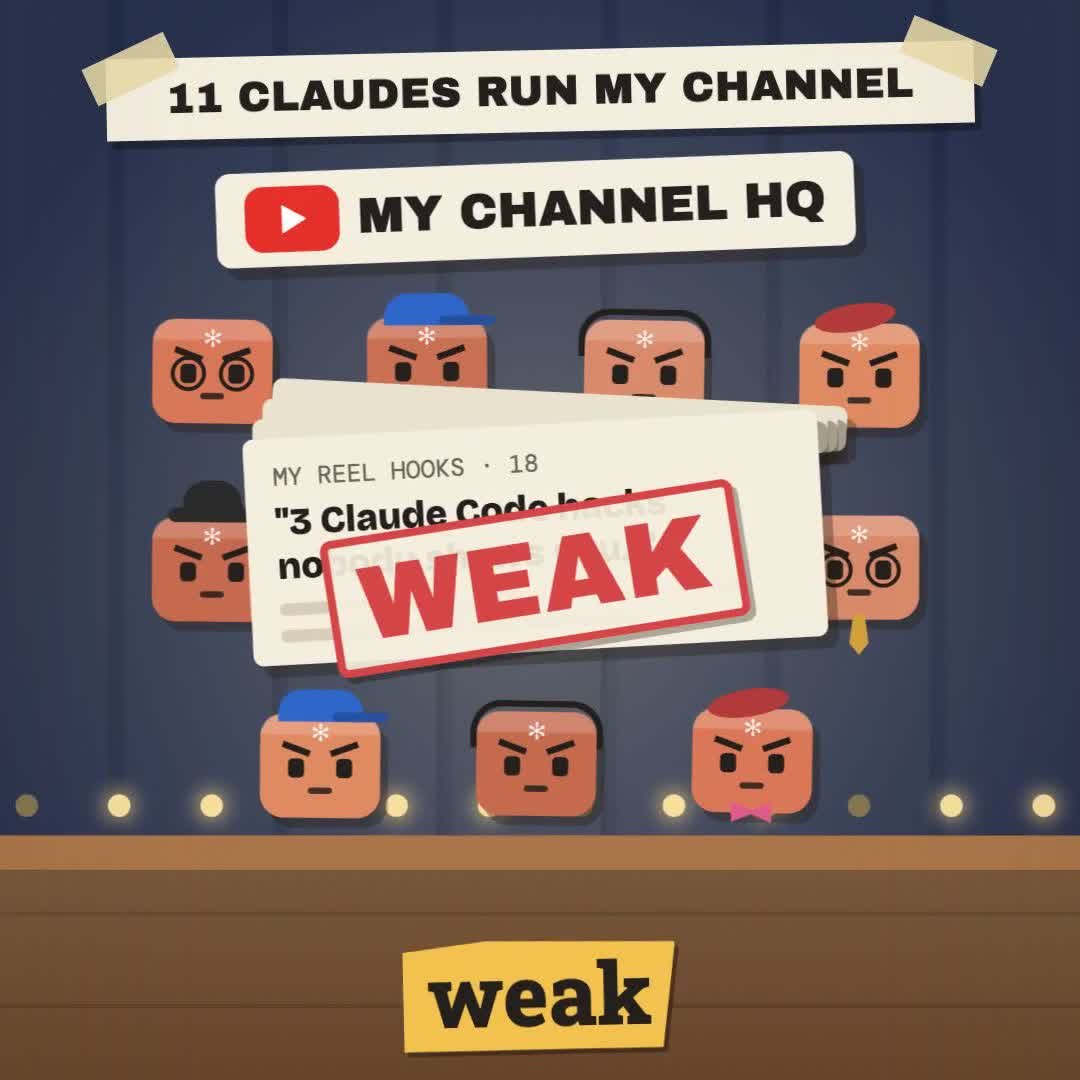 Claude Skill · free & open sourceThe free YouTube Agent Skill: 11 Claudes, and my 18-hook test
 GitHub · open source · side hustle4 GitHub repos as businesses: what 5 AI investors funded
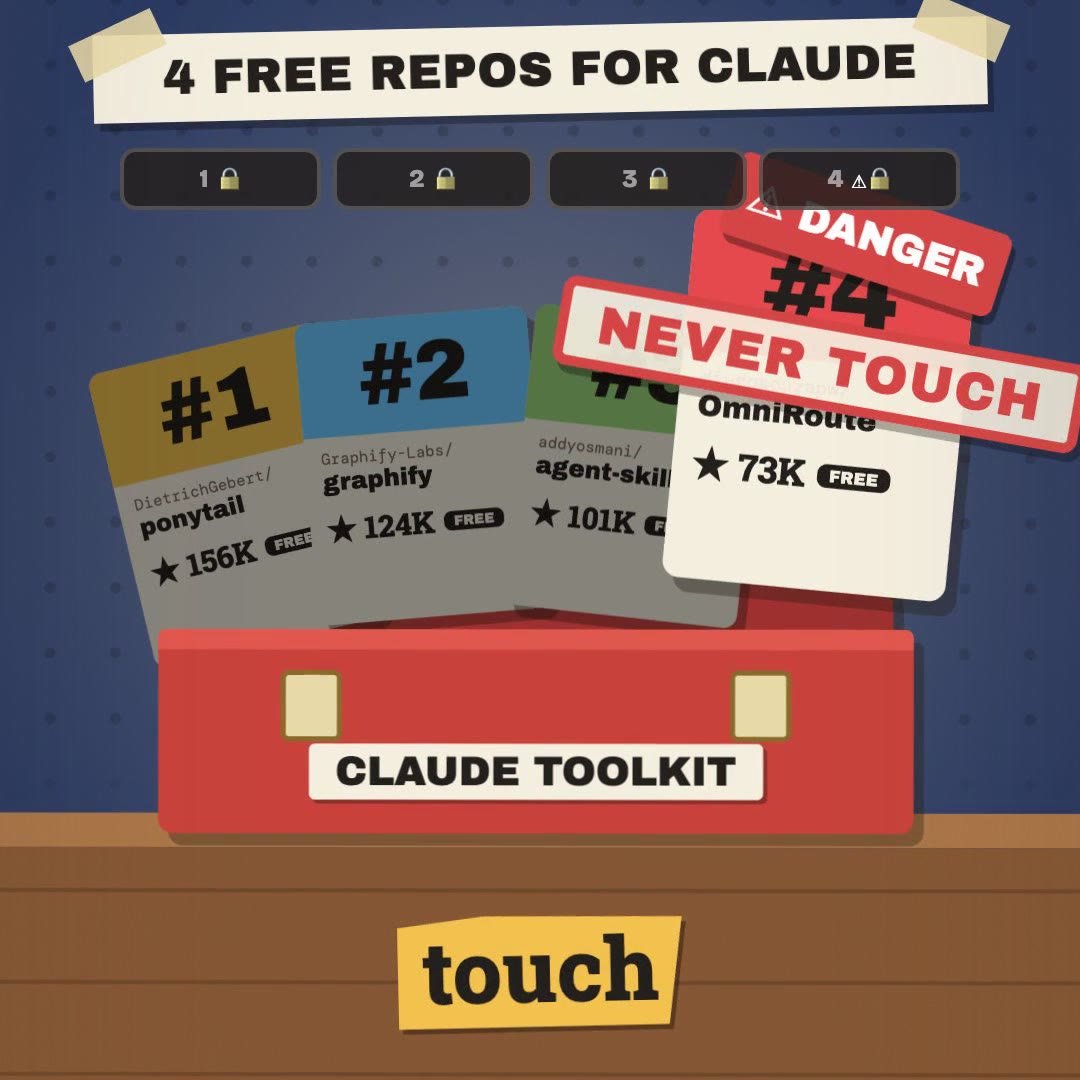 Claude Code · free & open source4 free GitHub repos for Claude (and the one I won't install)
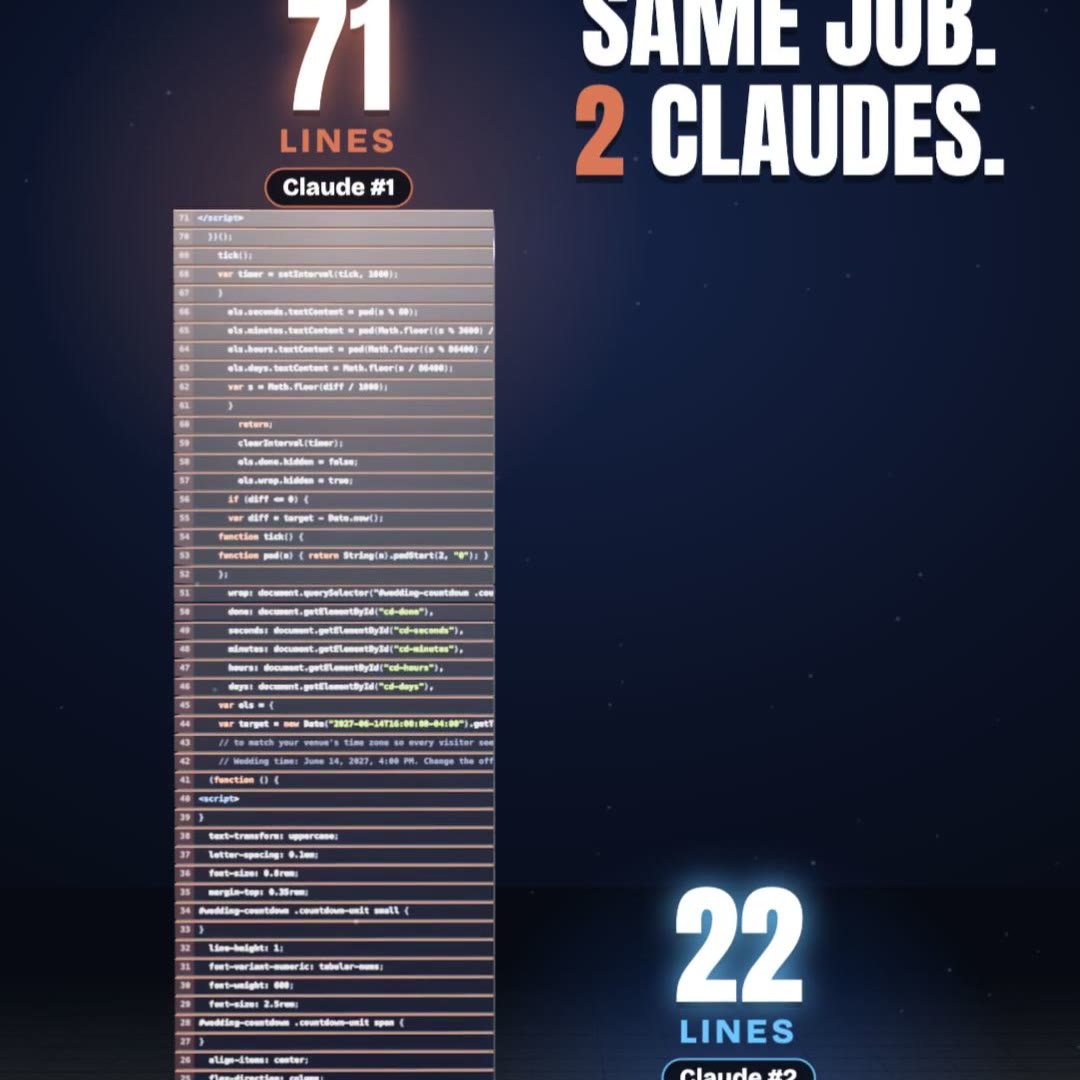 Claude Code · free pluginPonytail: same result, a third of the code
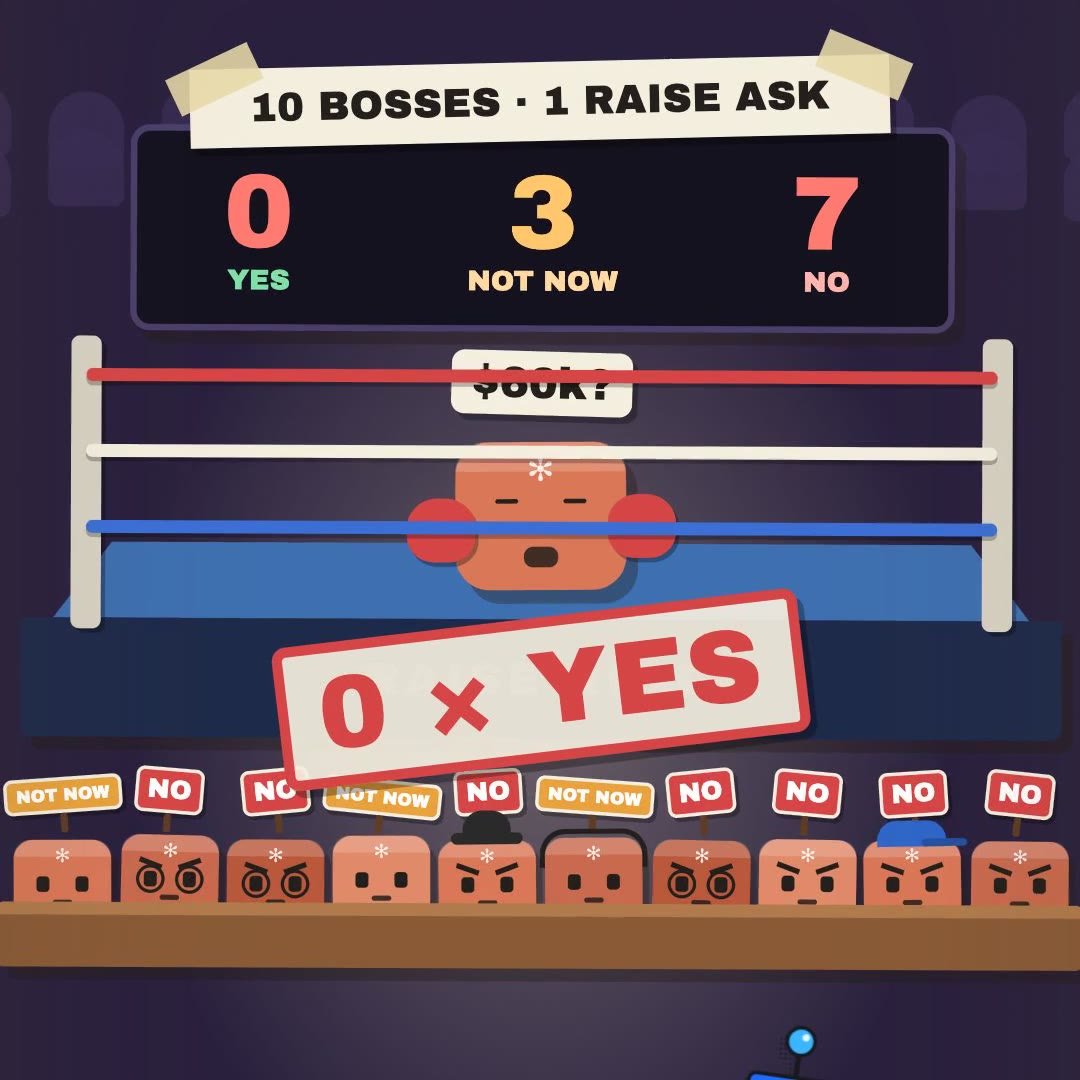 Claude Skill · freeRaise Ring: rehearse your raise ask against 10 Claude bosses before the real one
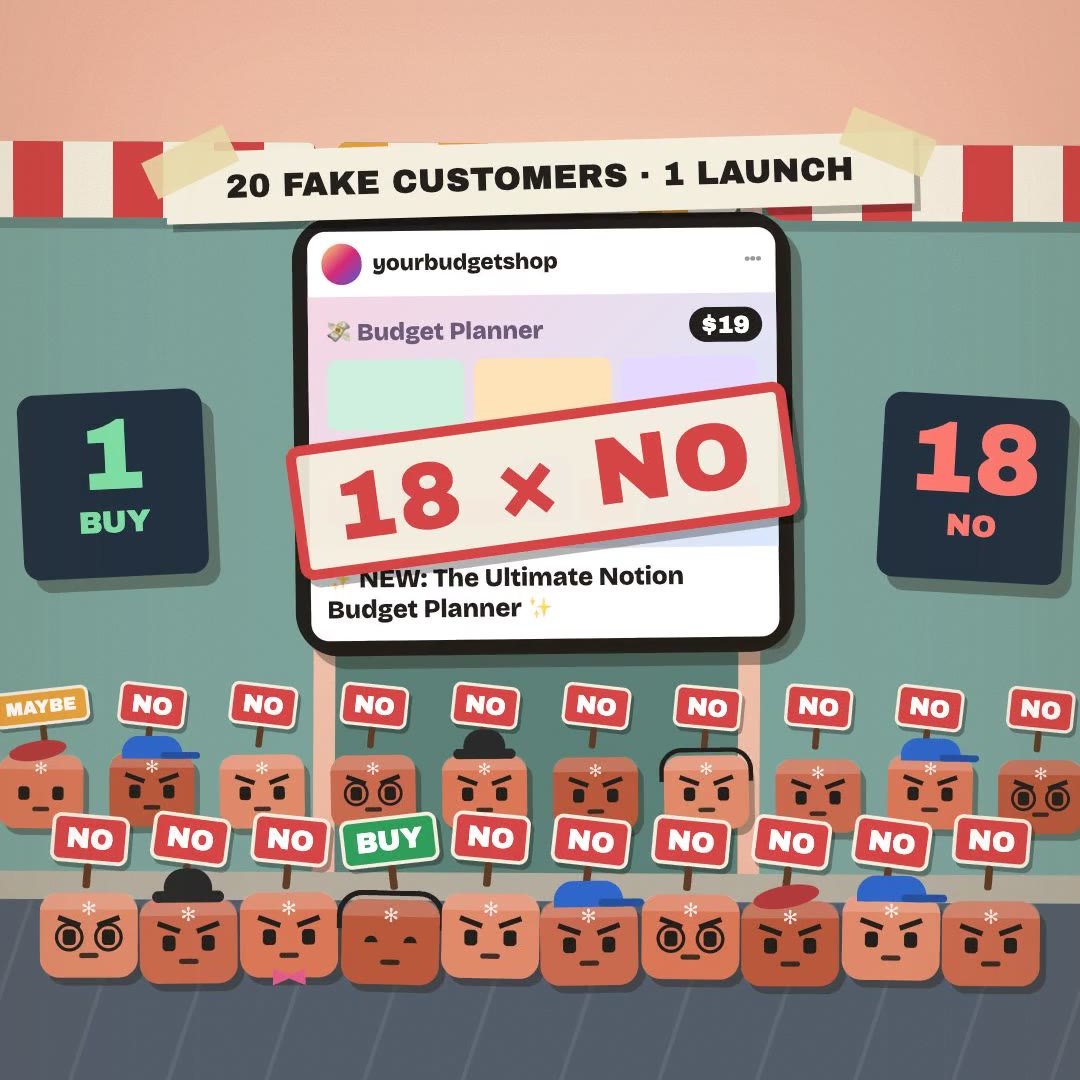 Claude Skill · freeCrowd Test: show your launch to 20 Claude shoppers before real customers see it
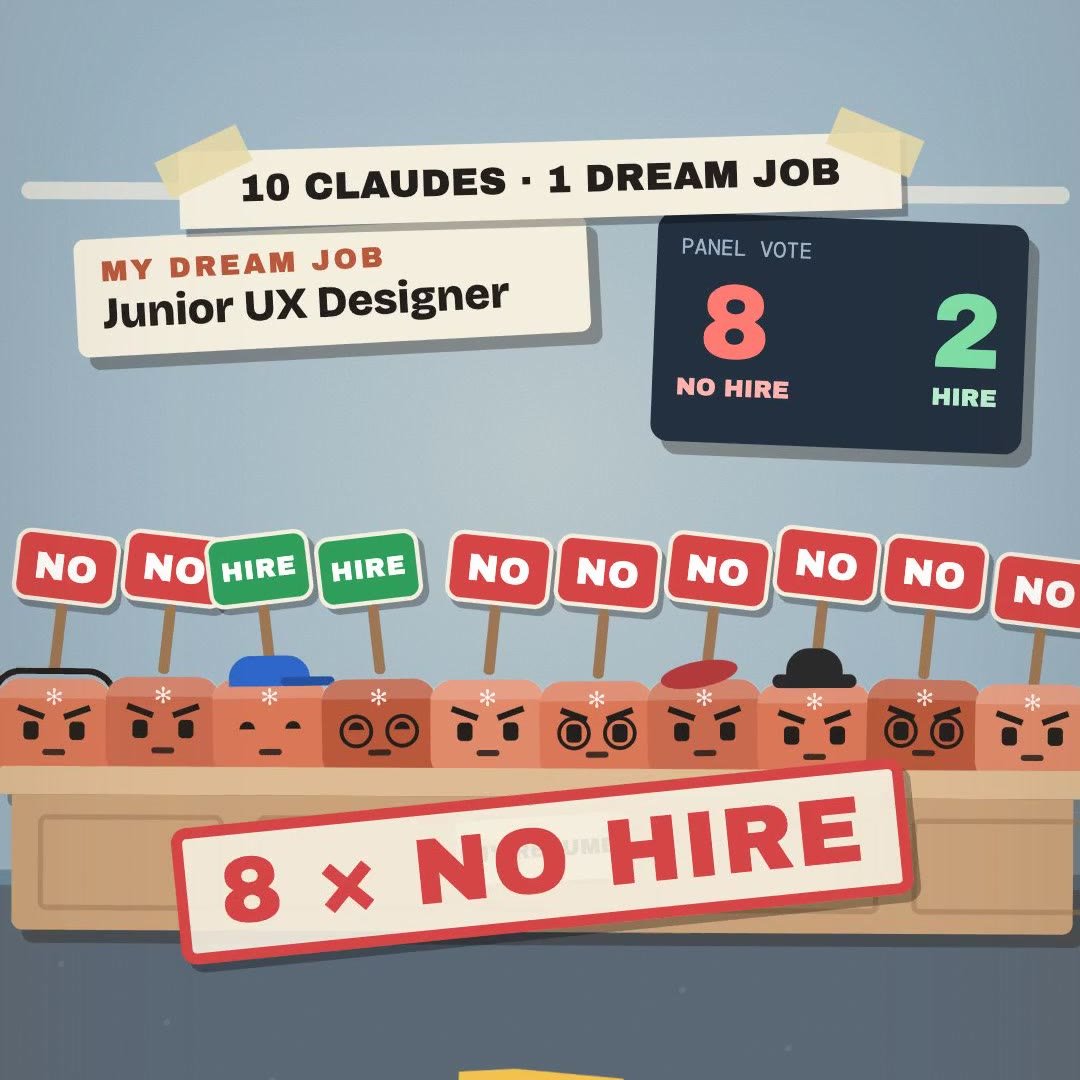 Claude Skill · freeHiring Panel: let 10 Claude interviewers vote on your resume before a real company does
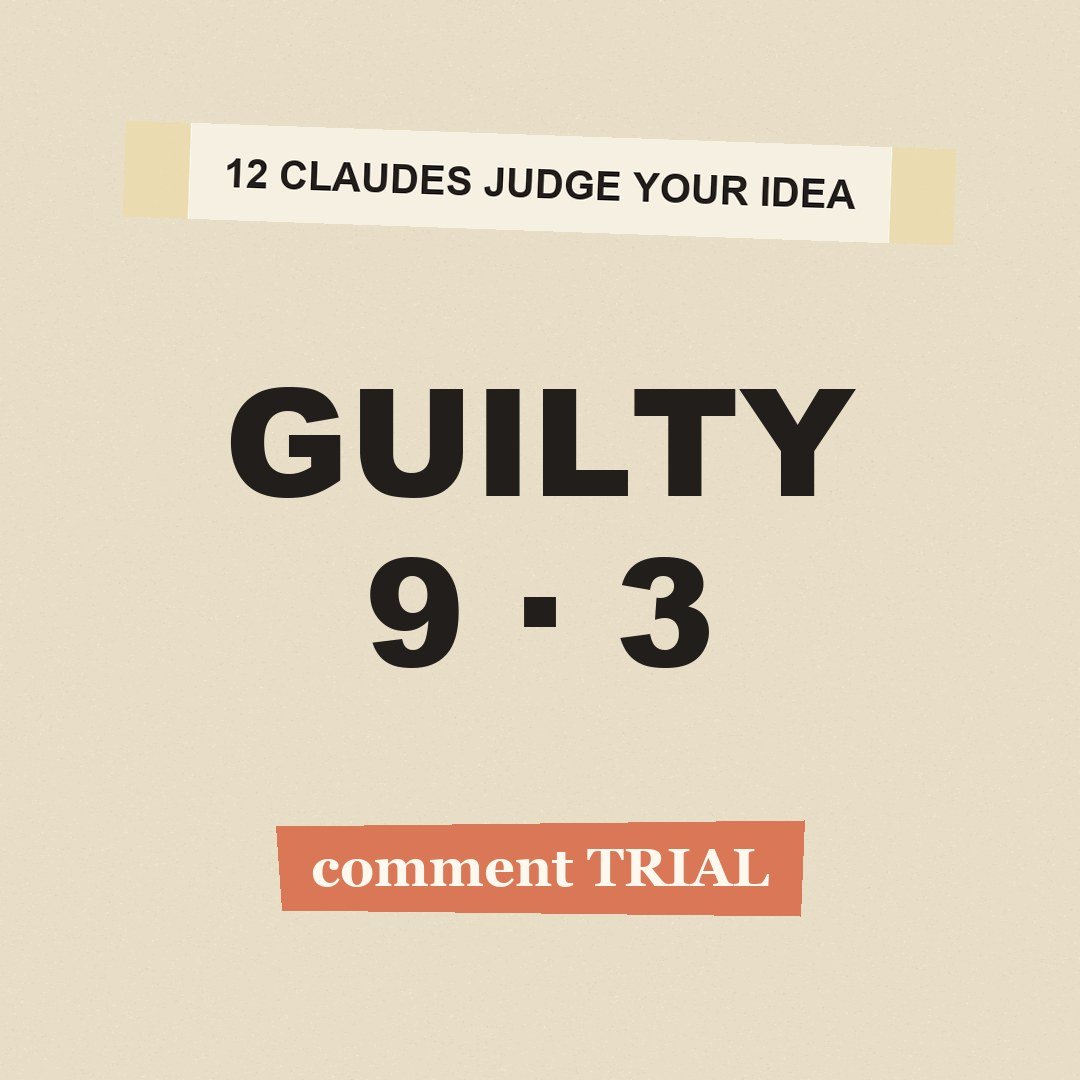 Claude Skill · freeIdea Court: put your idea on trial in front of 12 Claude jurors