Hiring Panel: let 10 Claude interviewers vote on your resume before a real company does
Ask one AI if your resume is good and it tends to say yes. This free skill seats a whole hiring panel instead: a recruiter with 200 other resumes, your future boss, the person you'd replace and 7 more. Each asks the hardest question for that job, votes HIRE or NO HIRE without seeing the others, and the Head of Hiring tells you the one line to change.
Came from the Reel? You commented HIRED. Here is everything, with one-tap copy.
Before you start: Works in the Claude app on every plan, Free included (code execution has to be on), and in Claude Code. Bring your resume (or a few lines about your experience) and the job post.
Setup
Download the skill and keep the zip as it is.
hiring-panel.zip
Claude app (any plan, code execution on): Customize → Skills → + → Create skill → Upload a skill, then pick the zip.
Customize → Skills → + → Upload a skill
Claude Code: unzip it into your skills folder and restart Claude Code.
unzip hiring-panel.zip -d ~/.claude/skills/
Free download
🎁 Download Hiring Panel (skill zip)
One folder with a SKILL.md. Free, no sign-up. Upload it to Claude as it is.
A recruiter skims your resume for 6 seconds and says what they actually saw. Then 10 interviewers, each with something at stake in the hire, ask the one hardest question they'd ask you for this job and vote HIRE or NO HIRE, blind, so nobody piles on. The Head of Hiring counts the votes and names the reason that stuck.
The 6-second screen: what a busy recruiter sees first, and what the skim misses.
The panel: the recruiter, the hiring manager, your future teammate, the skip-level boss, the person whose job this used to be, finance, the strongest other candidate, a customer, the red-flag checker and your own future self.
Each one: the hardest question, the answer your resume suggests, the vote.
The decision: the tally, the reason that stuck, the one line to change (old vs new) and one thing to do this week that makes it true.
Tip: In our test a teacher-to-UX-designer resume got HIRE 2 · NO HIRE 8. The reason that stuck: no real user research. The fix: swap the 2 practice projects for one real 5-person user study.
Paste your resume (or a few lines about your experience) and the job: the full post, or the title, level and type of company. If something's missing, it asks once and then runs the panel.
You need
Your resume or experience
The job post (or title + level + company type)
Paste the prompt below with your details.
Read the tally first, then the reason that stuck.
Fix that one line for real, then type reapply.
Prompt
Use hiring-panel. My resume: [paste]. The job: [paste the post, or title + level + company]. Run the full panel.
Tip: Works for internships, promotions and freelance pitches too: paste the brief instead of a job post.
Tip: Change the one line the Head of Hiring pointed at, then type "reapply". The panel runs again and shows both tallies side by side.
 Claude Skill · free & open sourceThe free YouTube Agent Skill: 11 Claudes, and my 18-hook test
 GitHub · open source · side hustle4 GitHub repos as businesses: what 5 AI investors funded
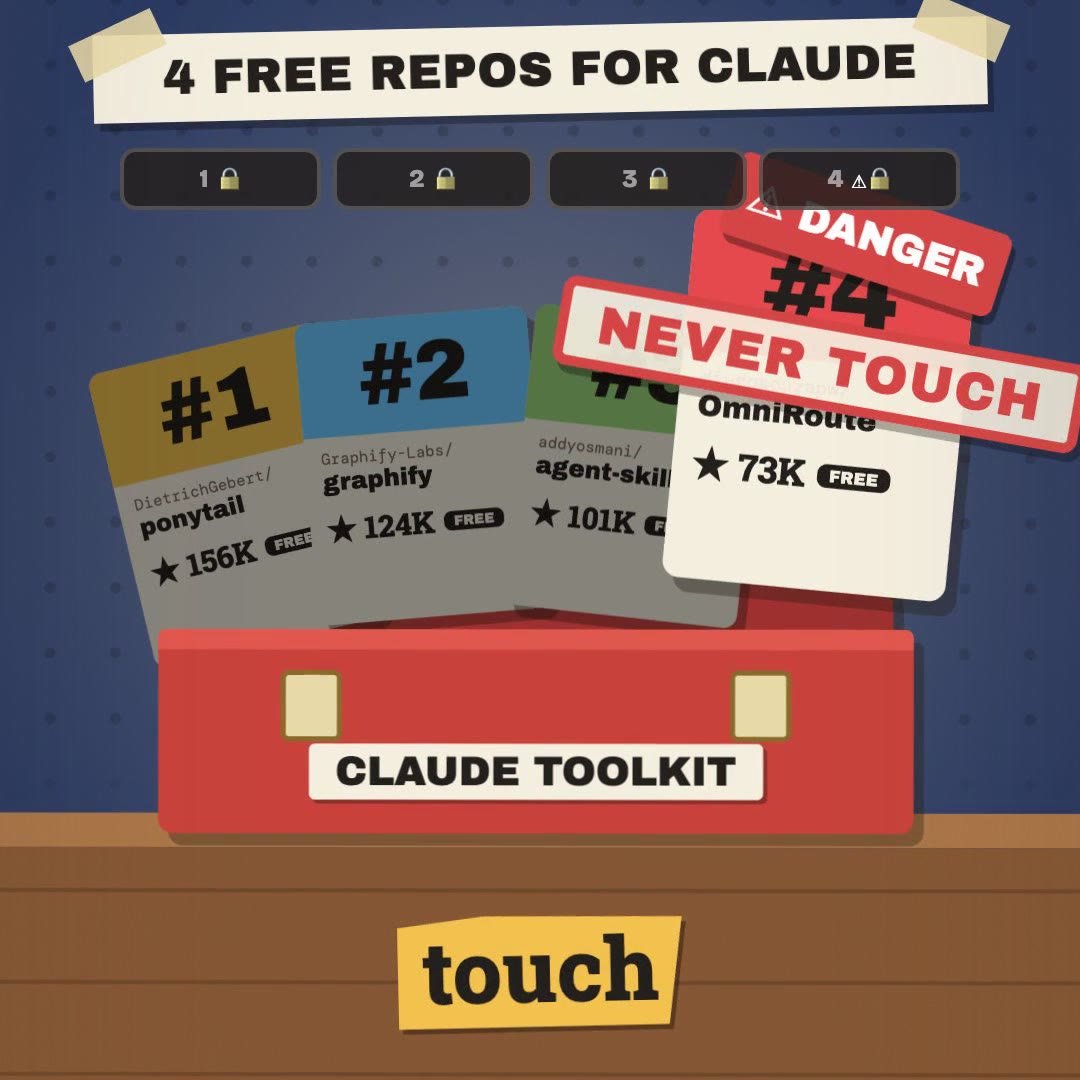 Claude Code · free & open source4 free GitHub repos for Claude (and the one I won't install)
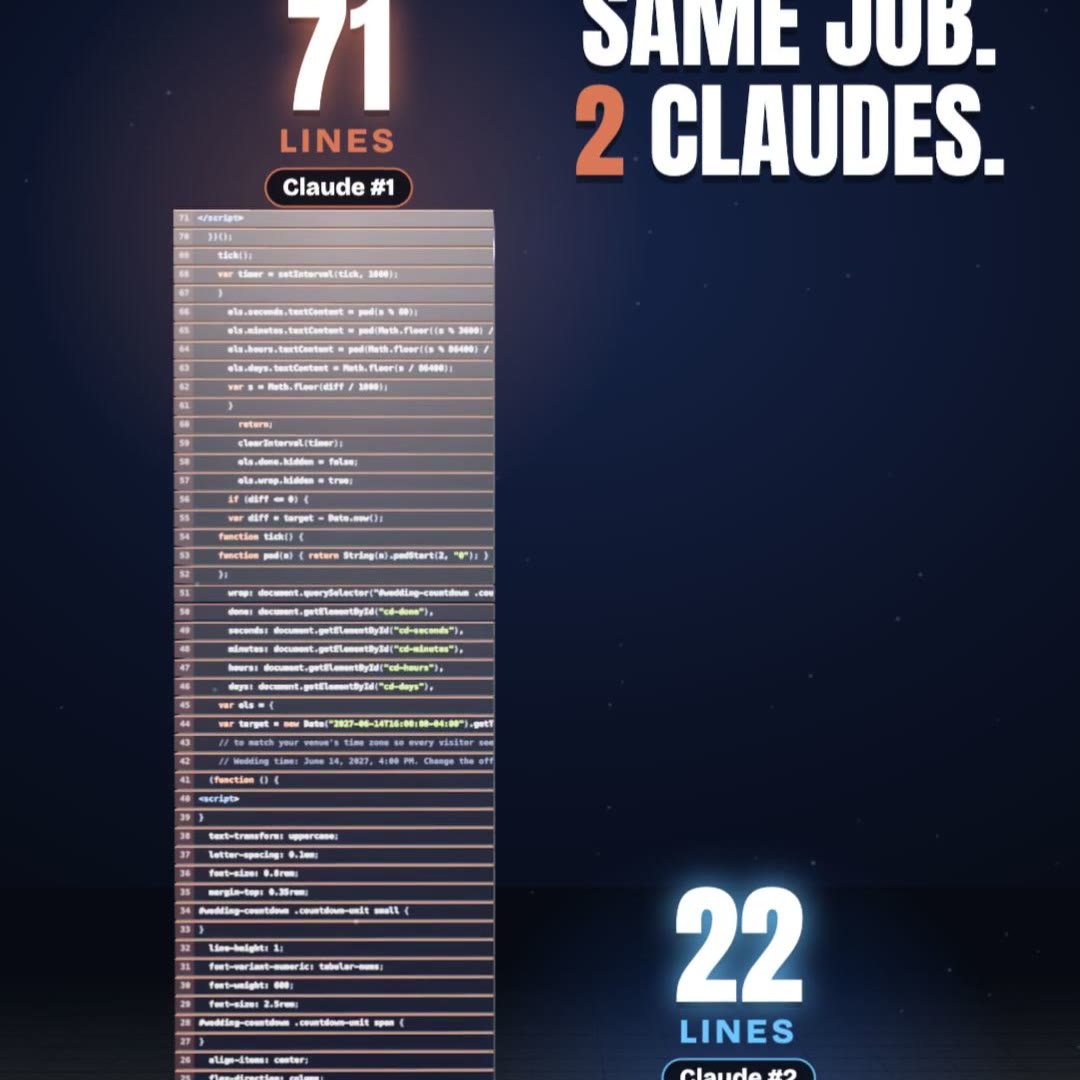 Claude Code · free pluginPonytail: same result, a third of the code
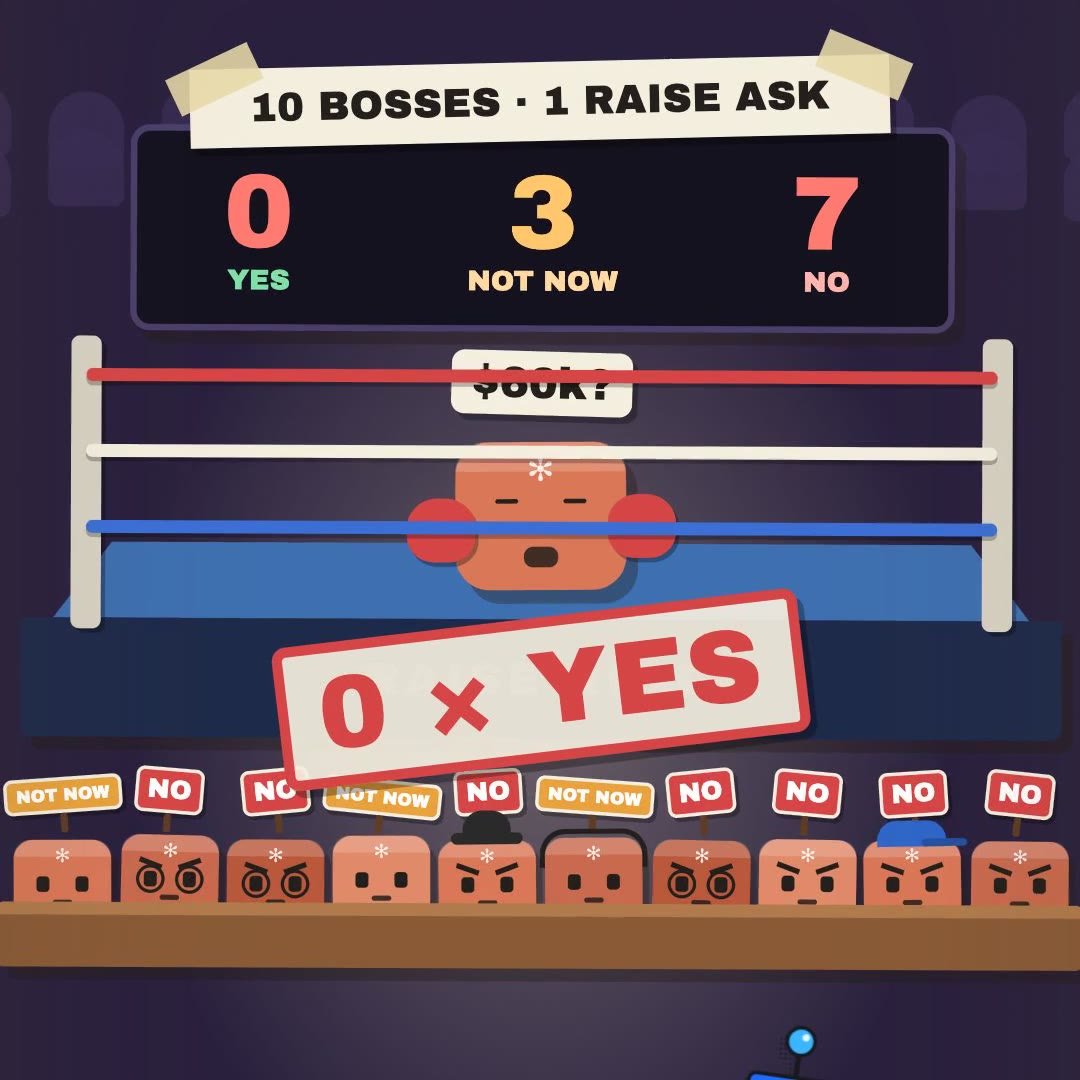 Claude Skill · freeRaise Ring: rehearse your raise ask against 10 Claude bosses before the real one
 Claude Skill · freeCrowd Test: show your launch to 20 Claude shoppers before real customers see it
 Claude Skill · freeIdea Court: put your idea on trial in front of 12 Claude jurors
 Claude Skill · freePitch Panel: 5 tough Claude investors tear into your idea first