The rule from the Reel. We gave two Claudes the same job, a wedding countdown for a website. Normal Claude wrote 71 lines. Claude with Ponytail wrote 22. Both count down to the second. Here's the 2-prompt install, our full test, and a copy-paste version of the rule for the Claude app if you don't use Claude Code.
Came from the Reel? You commented LESS. Here is everything, with one-tap copy.
Before you start: You need Claude Code (paid Claude plan or Console account) and Node.js on your PATH. Ponytail itself is free and open source (MIT).
Setup
In Claude Code, add the marketplace (send this as its own prompt)
/plugin marketplace add DietrichGebert/ponytail
Then install the plugin (a second, separate prompt)
/plugin install ponytail@ponytail
Start a new session and check it's on
/ponytail
Free download
🎁 Download the cheat sheet (PDF)
The ladder, the 2-line install and every command on one printable page.
Same prompt, same model, run 3 times each: "Add a countdown to my wedding (June 14, 2027, 4pm) on my wedding website's home page: days, hours, minutes, seconds." One run was plain Claude, the other had Ponytail's rules loaded.
Plain Claude: 71, 65 and 69 lines (average 68).
With Ponytail: 22, 31 and 24 lines (average 26).
Output tokens: about 1,305 vs 821 on average. The long version used roughly 60% more.
Both versions count down correctly to the second.
Fair note: the longer one also added its own styling and a "Today's the day!" message. Ponytail kept the countdown and let your site's existing style handle the look.
Tip: Fewer output tokens means you hit your usage limit later. The gap is biggest on UI widgets and helpers; on code that's already minimal, Ponytail changes almost nothing. On a tiny task (a birthday date picker) both versions were already 4 to 5 lines.
Ponytail is a ruleset that the plugin injects into Claude Code on every turn. Before Claude writes code, it has to climb a ladder and stop at the first rung that works: skip it, reuse what's in the codebase, use the standard library, use a native platform feature, use a dependency you already have, write one line. Only then does it write new code. Ask for a date picker and, instead of a 400-line component, you get the browser's own <input type="date">.
You need
Claude Code
Node.js on your PATH (the plugin runs two tiny hooks)
Does this need to exist? If not, skip it.
Is it already in this codebase? Reuse it.
Does the standard library do it? Use it.
Is it a native platform feature (like <input type="date">)? Use it.
Is it in a dependency you already installed? Use it.
Can it be one line? Write one line.
Only then: write the minimum that works.
Tip: It never cuts validation, error handling, security or accessibility. It's lazy about the solution, not about reading your code.
The plugin is for Claude Code. In the regular Claude app you can get the same habit by pasting Ponytail's core rule into a Project's instructions (or Settings → Profile → personal preferences).
You need
Any Claude plan
Open a Project → Project instructions (or Settings → Profile).
Paste the prompt below.
Ask for code as usual.
Prompt
You are a lazy senior developer. Lazy means efficient, not careless. Before writing any code, stop at the first rung that holds: 1) Does this need to be built at all? 2) Does it already exist in this codebase? Reuse it. 3) Does the standard library do this? Use it. 4) Does a native platform feature cover it? Use it. 5) Does an already-installed dependency solve it? Use it. 6) Can this be one line? 7) Only then: write the minimum code that works. No abstractions or boilerplate nobody asked for, no new dependency if it can be avoided. Not lazy about: understanding the problem, input validation, error handling that prevents data loss, security, accessibility, or anything I explicitly ask for.
Tip: This is a short version of Ponytail's AGENTS.md (MIT license, by DietrichGebert). The full file has a few more rules.
Tip: If every hook call shows "node: command not found", install Node.js. The rules still work without it, but the error goes away once Node is on your PATH.
The author's benchmark (12 feature tasks on a real FastAPI + React repo, Claude Haiku 4.5) measured about 54% less code, 22% fewer tokens and 20% lower cost on average. The big wins come from over-build traps: a date picker went from 404 lines to 23, a color picker from 287 to 23. An independent test by JetBrains (80 paired tasks) found smaller but real savings: about 15% less code and 10% lower cost, with no drop in quality.
Expect big cuts on UI widgets and helper code.
Expect little change on code that's already lean.
Install it as a plugin. JetBrains found that just copying the skill file in, without the plugin's hooks, means it basically never activates.
Tip: Treat it as a habit-shaper for Claude, not a magic token switch.
Tip: Ponytail shines where Claude tends to over-build: UI widgets, helpers, wrappers, "utility" files. On code that's already minimal it changes almost nothing.
 Claude Skill · free & open sourceThe free YouTube Agent Skill: 11 Claudes, and my 18-hook test
 GitHub · open source · side hustle4 GitHub repos as businesses: what 5 AI investors funded
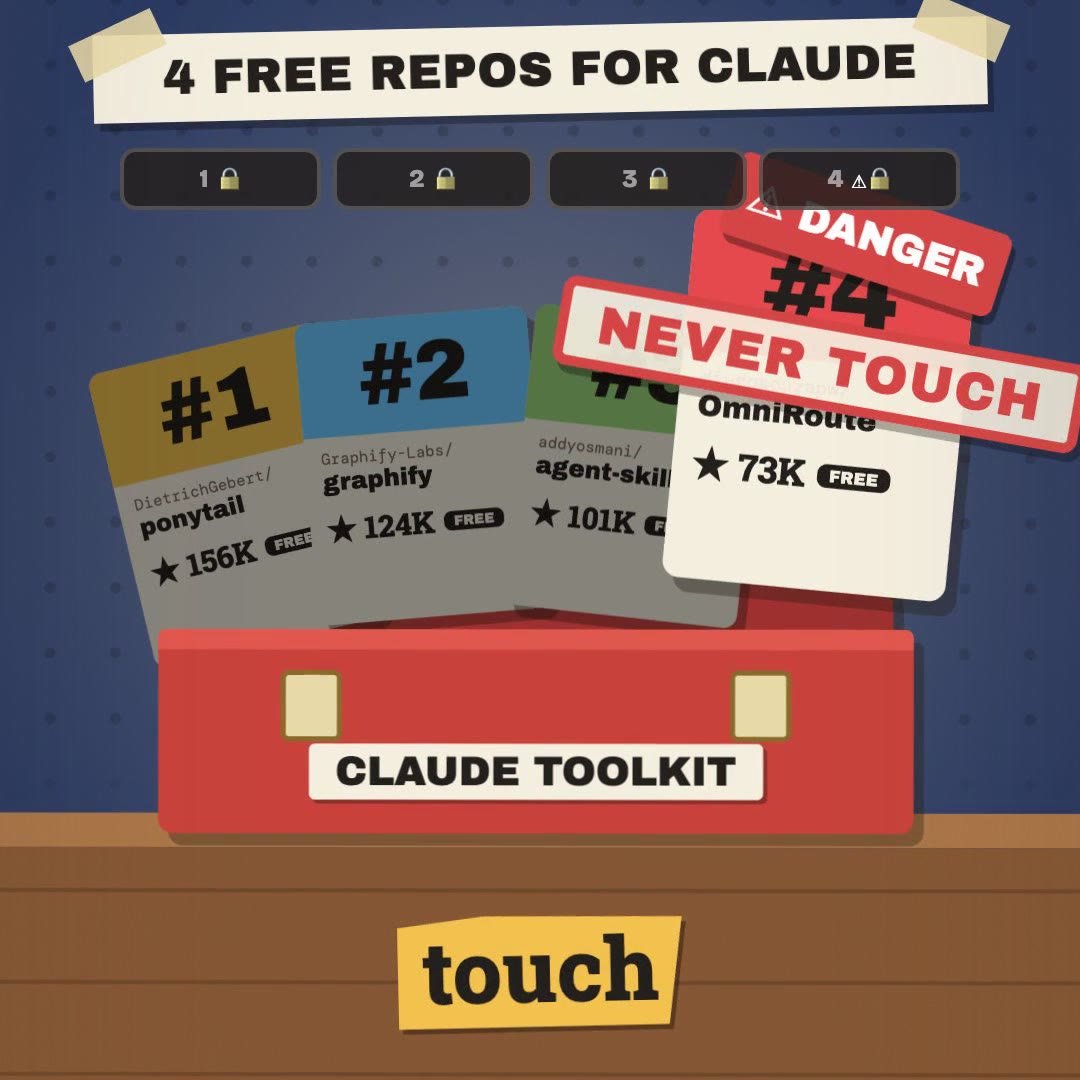 Claude Code · free & open source4 free GitHub repos for Claude (and the one I won't install)
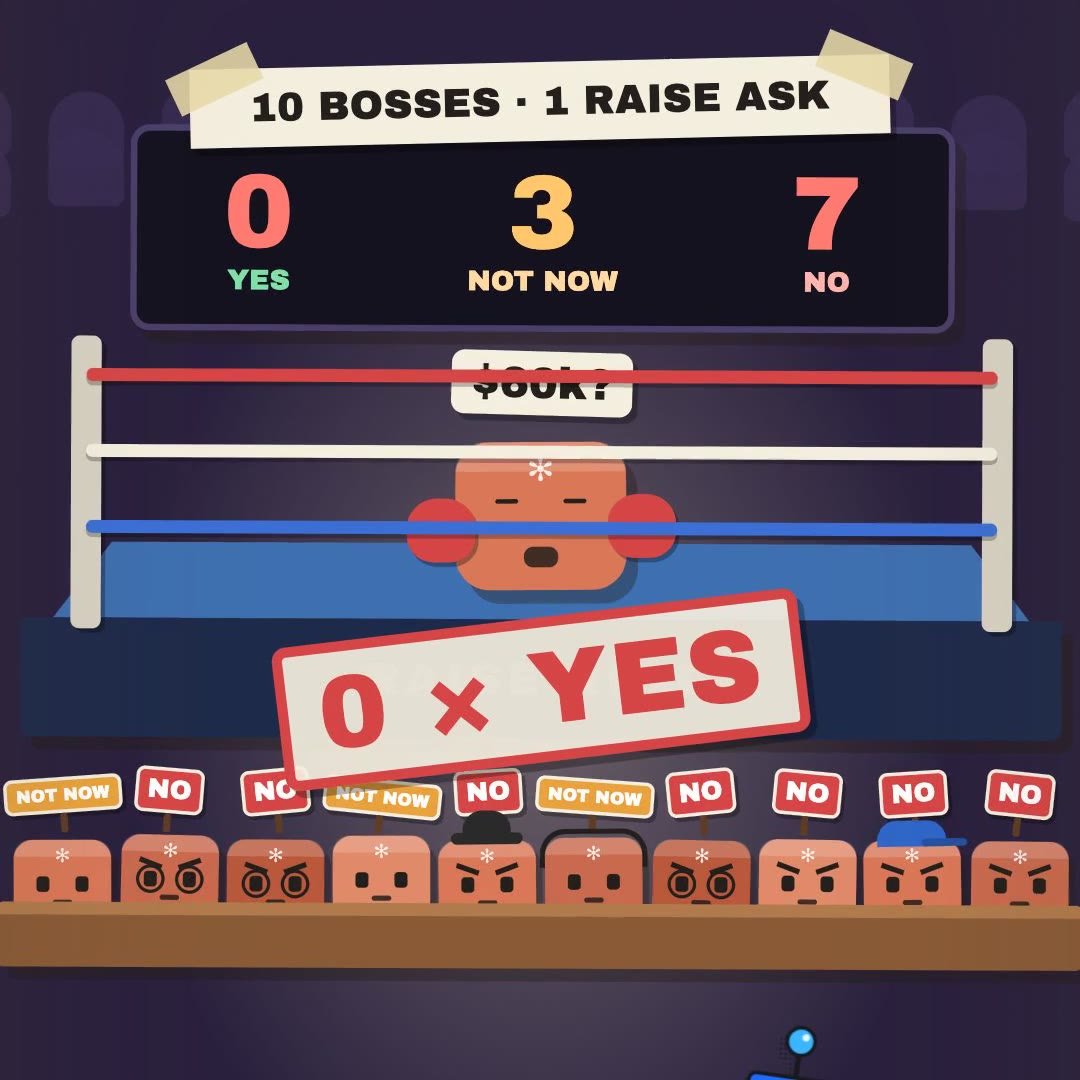 Claude Skill · freeRaise Ring: rehearse your raise ask against 10 Claude bosses before the real one
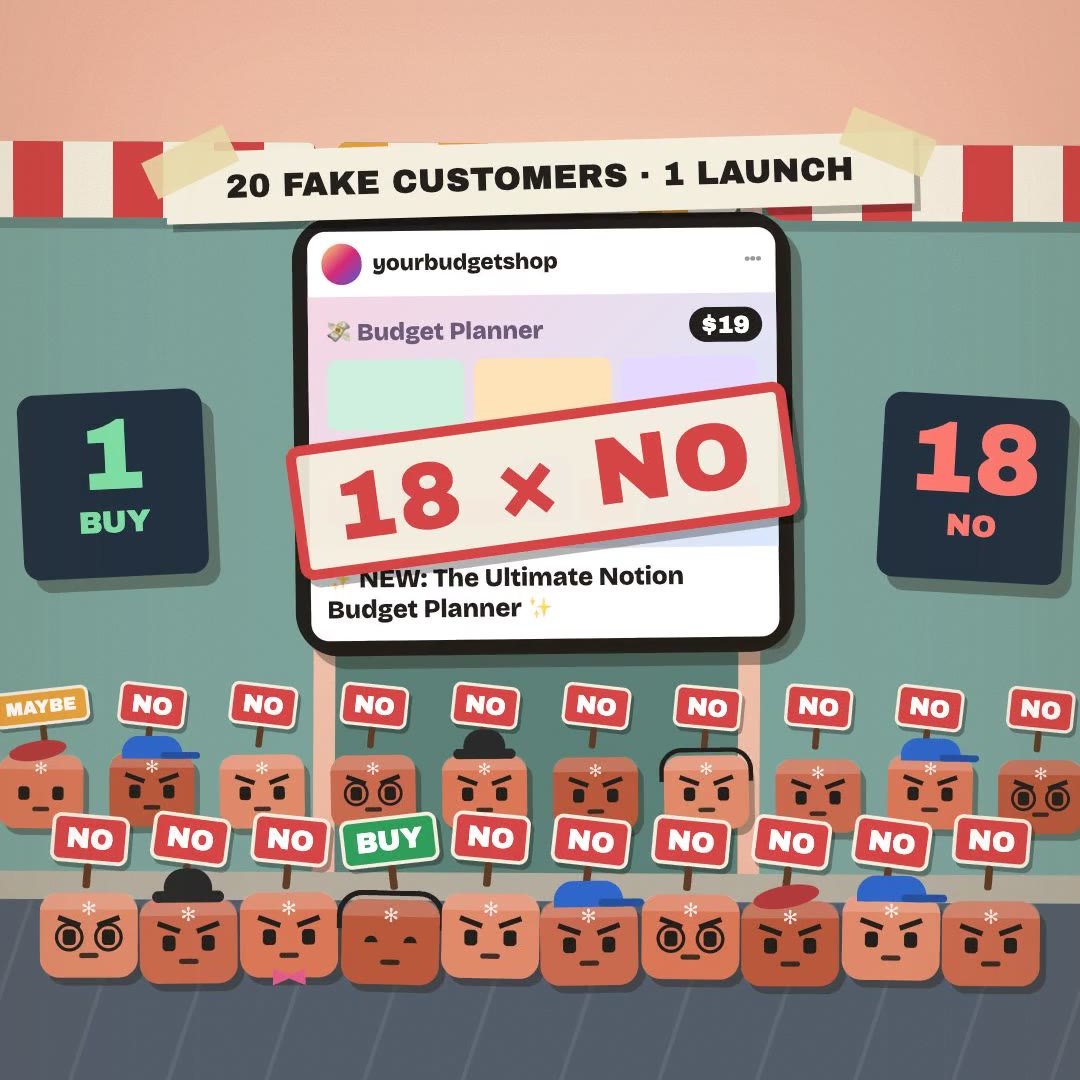 Claude Skill · freeCrowd Test: show your launch to 20 Claude shoppers before real customers see it
 Claude Skill · freeHiring Panel: let 10 Claude interviewers vote on your resume before a real company does
 Claude Skill · freeIdea Court: put your idea on trial in front of 12 Claude jurors
 Claude Skill · freePitch Panel: 5 tough Claude investors tear into your idea first