3 free Claude skills for creators: fix your Reels before you post them
The skills from the Reel. Reel Doctor reads your Instagram, TikTok or YouTube stats and tells you if the hook, the value or the attention is broken, then rewrites the hook. Reel Script writes 15-30 second scripts people save and share. Motion Video is the Remotion skill behind our own Reels. Download, upload to Claude, done.
Came from the Reel? You commented SKILLS. Here is everything, with one-tap copy.
Before you start: Works in the Claude app on every plan, Free included (code execution has to be on), and in Claude Code. Motion Video needs Claude Code because it renders video on your computer.
Setup
Download the pack and unzip it. You get three folders, one per skill.
vintuxai-creator-skills.zip
Claude app: Customize → Skills → + → Create skill → Upload a skill. Upload one single-skill zip at a time (links below).
Give Claude a screenshot of your Reel insights (or type the numbers). It reads the shape of the retention graph and tells you which part broke: a cliff in the first 3 seconds means the hook, a slow slide means the value, a late drop means attention. Then it grades every metric against view bands and writes 3 new hooks. In the Reel we ran it on our own worst video: 108 views, 87.3% skipped, 4.8 seconds watched out of 38. Verdict: hook problem, every metric red.
You need
A screenshot of your video's insights, or the numbers
Open the video's insights in Instagram, TikTok or YouTube Studio and take a screenshot.
In Claude, attach it and ask: why did this flop?
Read the verdict line first: HOOK, VALUE or ATTENTION.
Use one of the 3 rewritten hooks in your next video, not by re-editing the old one.
Prompt
Use reel-doctor. Here are my Reel stats: [views], skip rate [x]%, average watch time [x]s of [x]s, [likes] likes, [shares] shares, [saves] saves. First line of the video: "[your hook]". Why did it flop?
Tip: The bands it grades against (Instagram Reels): roughly 1M-view videos have a like rate of 4%+, share rate 2%+, save rate 3.5%+ and a skip rate under 40%.
Tell Claude your topic. It first makes the topic bigger (a great hook can't save a topic only a few thousand people care about), then writes a triple hook: what's on screen on frame 0, the on-screen text and the first spoken line, all saying the same thing. The body is one idea, 15-30 seconds, with a re-hook halfway and a comment keyword at the end.
Give it the topic and who it's for (one person: their job and their problem).
Say what people get if they comment (a file, a link, a prompt).
Pick the biggest version of the topic it suggests that's still true to you.
Film it line by line from the table it gives you.
Prompt
Use reel-script. Topic: [your topic]. It's for [who]. If they comment [WORD] they get [what].
Tip: Rule of thumb from the skill: no tool names or jargon in the first 3 seconds. Lead with the result or the pain, name the tool later.
#3
Motion Video: the skill behind our Reels
Every @vintuxai Reel, including this one, is made in code with Remotion and Claude Code. This skill holds our editing rules: 1080x1920 inside Instagram's safe zone, hook text readable on frame 0, everything cut on a 128 BPM beat grid, springs and rotating transitions, a sound effect on every visual hit, and a frame-by-frame self-check before the final render.
You need
Claude Code
Node.js
The official Remotion skill: npx skills add remotion-dev/skills
Create a Remotion project: npx create-video@latest
Add the official Remotion skill, then this one.
Describe the video in one prompt (template below).
Let Claude check its own frames before the final render.
Make a 25-second 9:16 Remotion video about [topic]. Hook text on frame 0: [hook]. Scenes: [list]. 128 BPM, cut on beats, keep everything in the Instagram safe zone, then check your own frames before the final render.
Tip: Start with one 10-second scene and get it right before you ask for a full video.
Tip: Single-skill zips: vintuxai.com/dl/reel-doctor.zip, /dl/reel-script.zip and /dl/motion-video.zip. Skills load only when they're relevant, so having all three on costs you nothing.
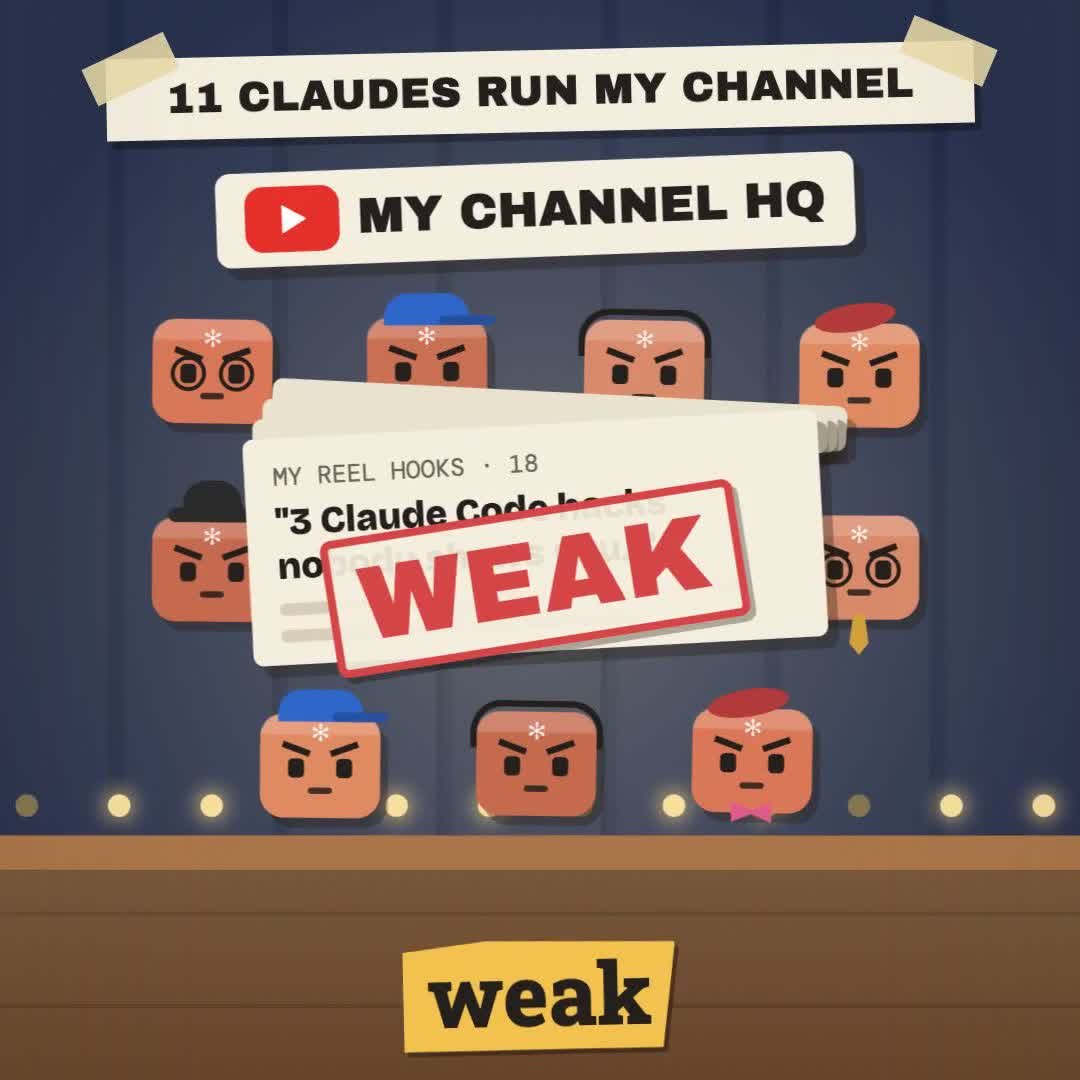 Claude Skill · free & open sourceThe free YouTube Agent Skill: 11 Claudes, and my 18-hook test
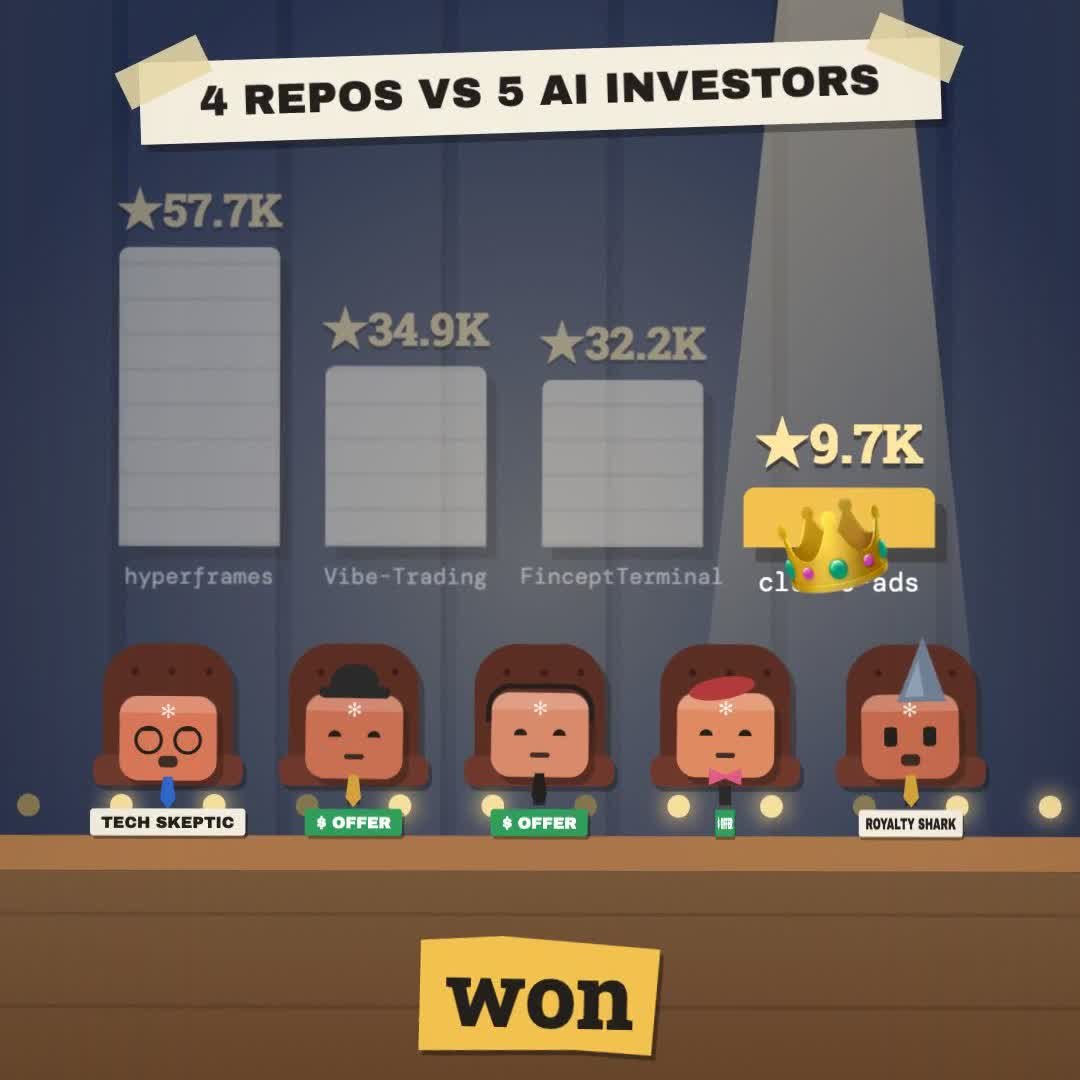 GitHub · open source · side hustle4 GitHub repos as businesses: what 5 AI investors funded
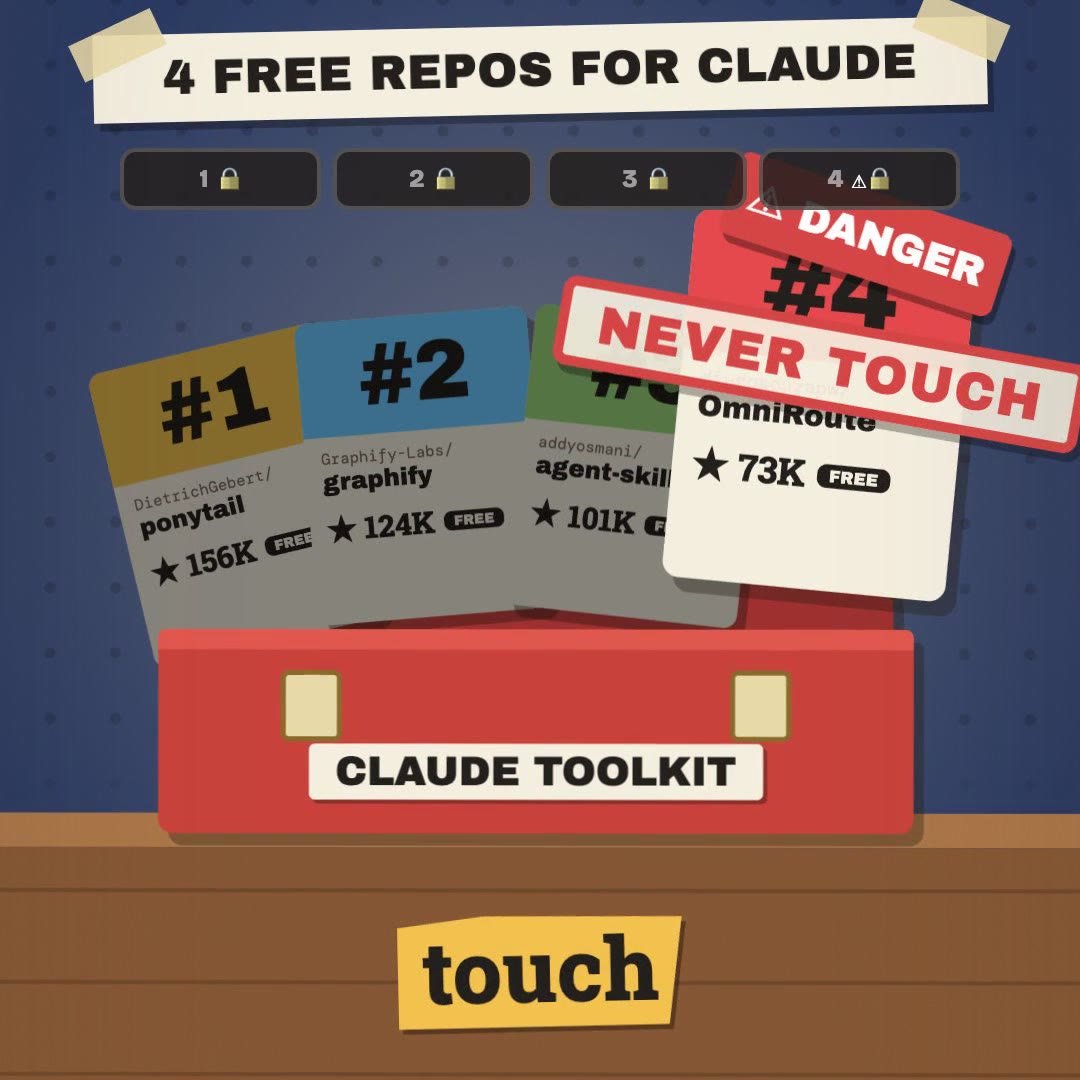 Claude Code · free & open source4 free GitHub repos for Claude (and the one I won't install)
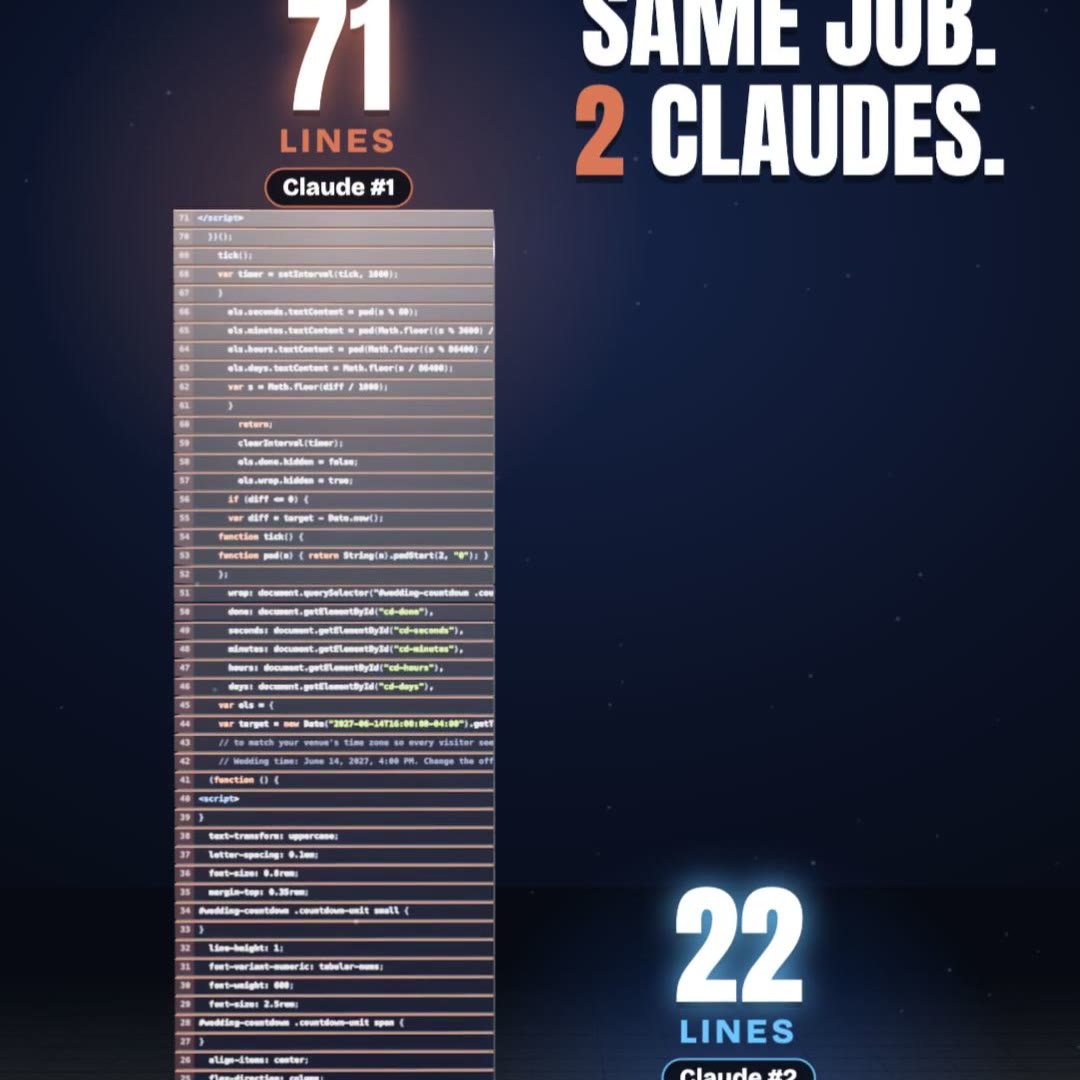 Claude Code · free pluginPonytail: same result, a third of the code
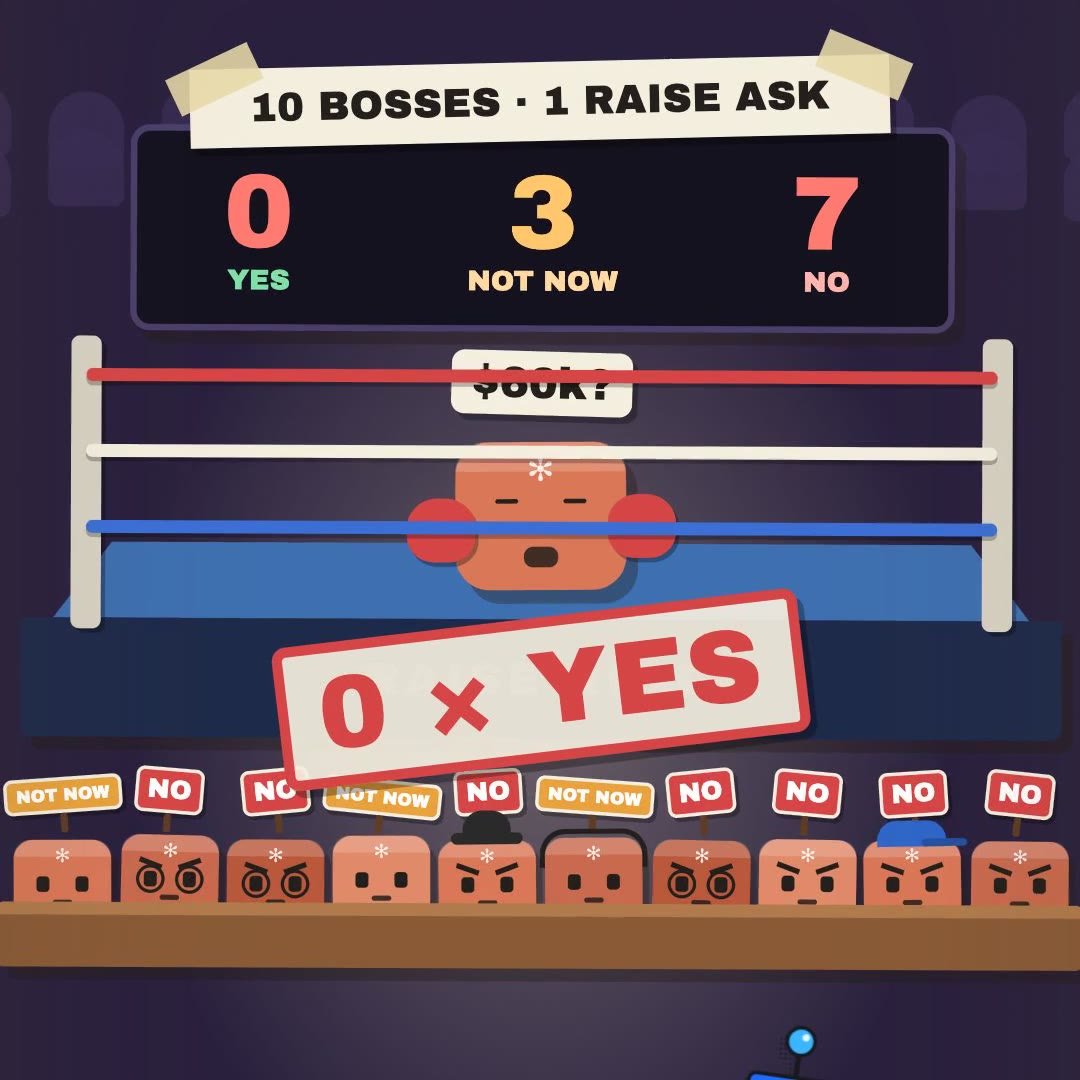 Claude Skill · freeRaise Ring: rehearse your raise ask against 10 Claude bosses before the real one
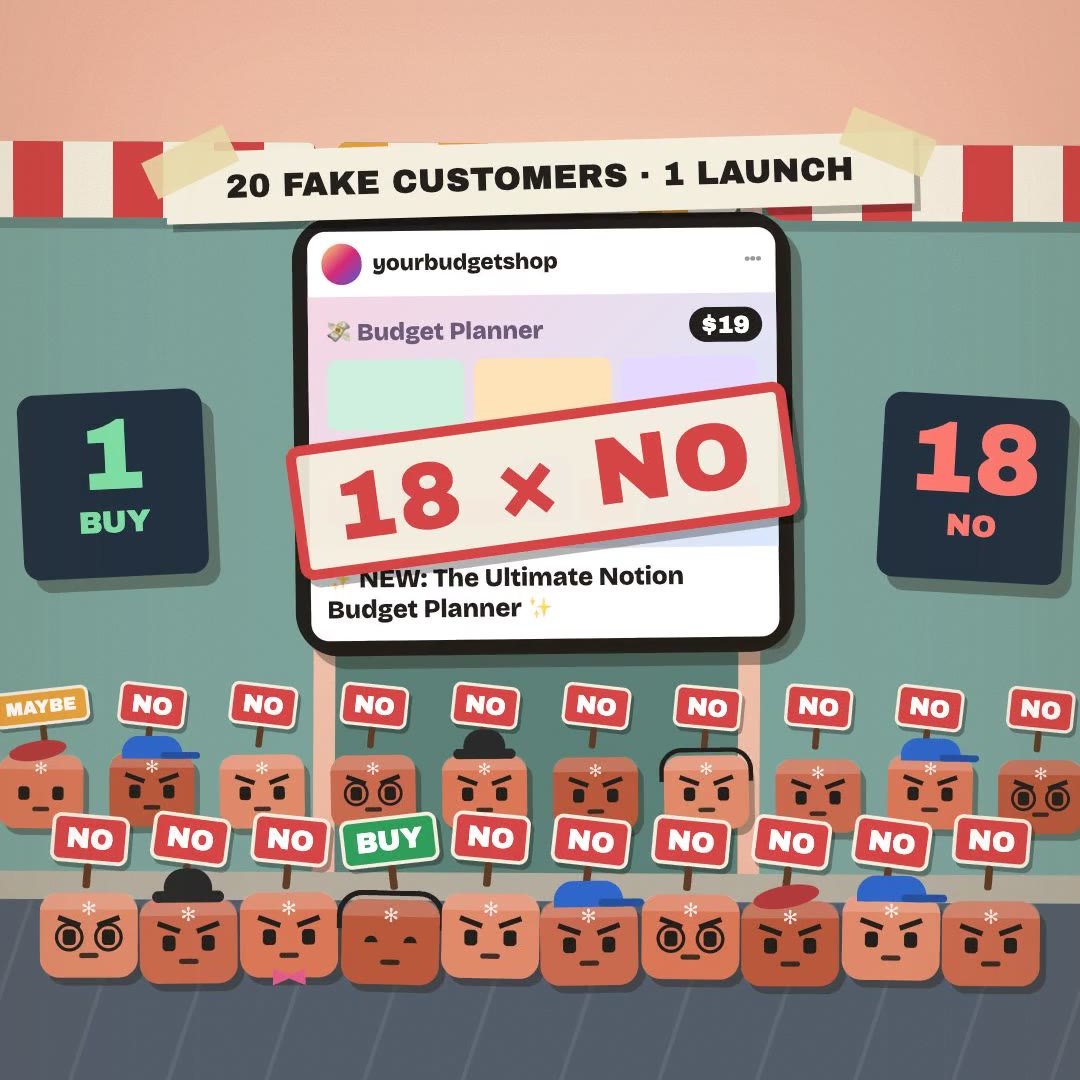 Claude Skill · freeCrowd Test: show your launch to 20 Claude shoppers before real customers see it
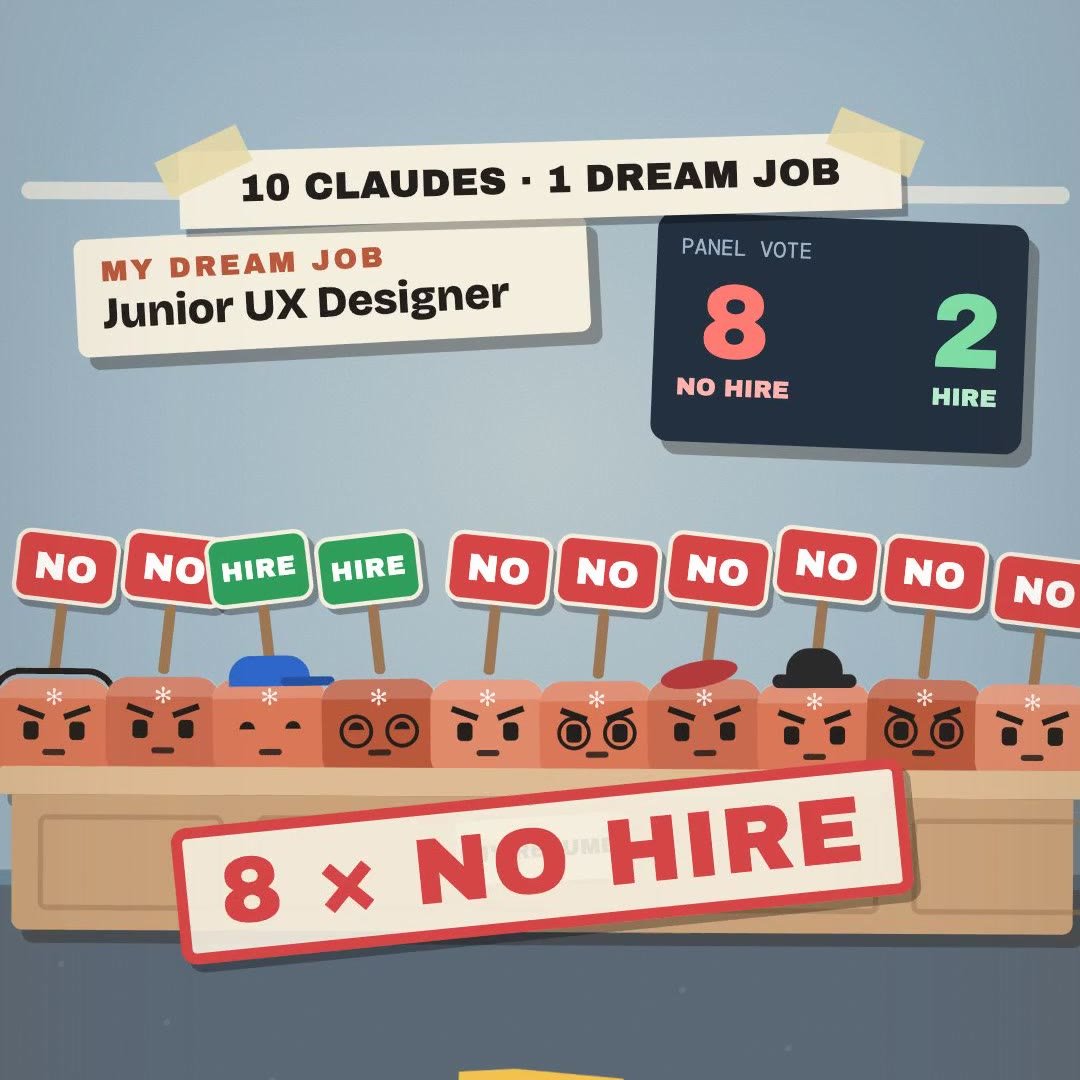 Claude Skill · freeHiring Panel: let 10 Claude interviewers vote on your resume before a real company does
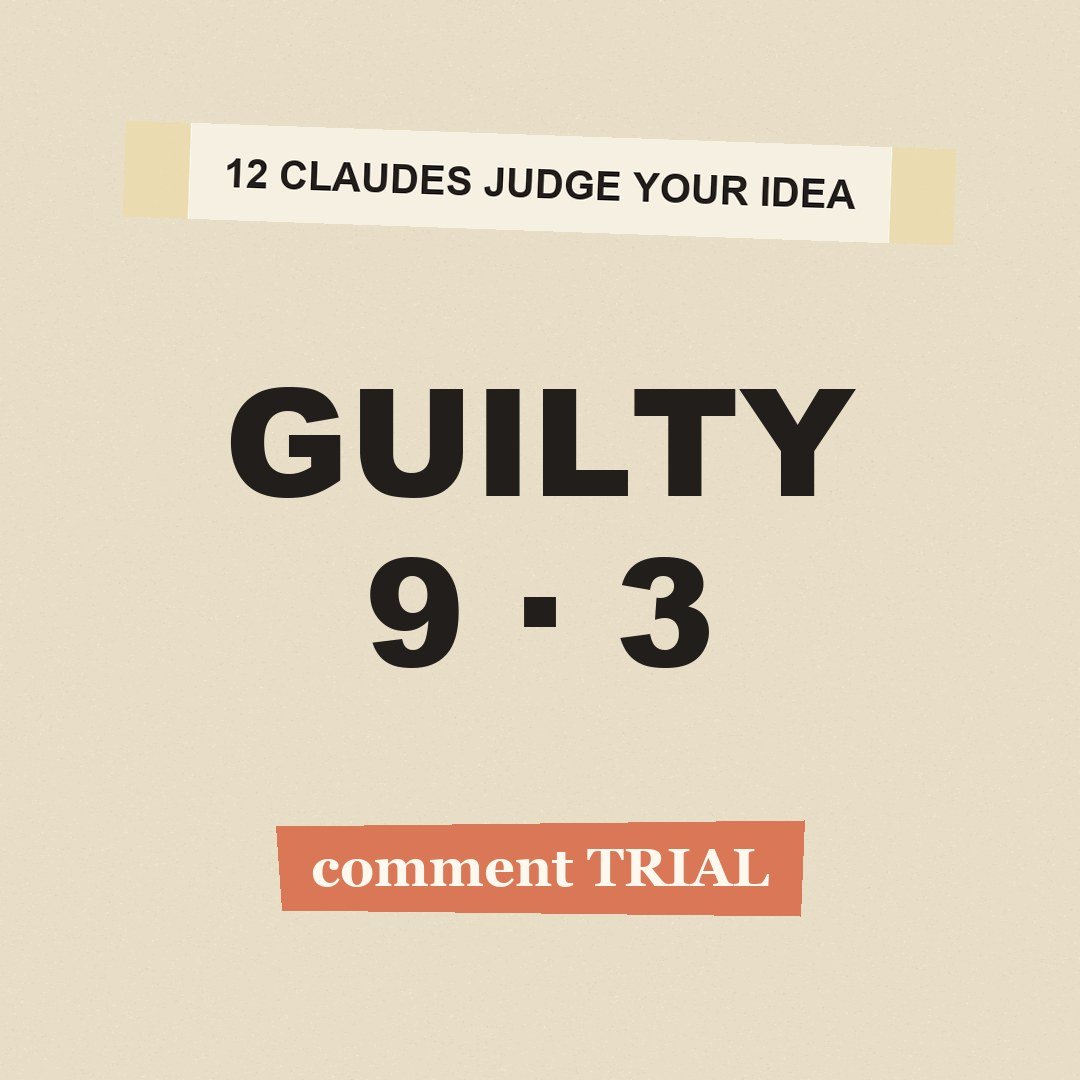 Claude Skill · freeIdea Court: put your idea on trial in front of 12 Claude jurors