The plugin from the Reel. Ponytail makes Claude check what already exists before it writes anything, so you get smaller diffs and a smaller bill. Here's the 2-line install, the commands, what the numbers really say, and when it helps most.
Came from the Reel? You commented LAZY. Here is everything, with one-tap copy.
Before you start: You need Claude Code (paid Claude plan or Console account) and Node.js on your PATH. Ponytail itself is free and open source (MIT).
Setup
In Claude Code, add the marketplace (send this as its own prompt)
/plugin marketplace add DietrichGebert/ponytail
Then install the plugin (a second, separate prompt)
/plugin install ponytail@ponytail
Start a new session and check it's on
/ponytail
Free download
🎁 Download the cheat sheet (PDF)
The ladder, the 2-line install and every command on one printable page.
Ponytail is a ruleset that the plugin injects into Claude Code on every turn. Before Claude writes code, it has to climb a ladder and stop at the first rung that works: skip it, reuse what's in the codebase, use the standard library, use a native platform feature, use a dependency you already have, write one line. Only then does it write new code. Ask for a date picker and, instead of a 400-line component, you get the browser's own <input type="date">.
You need
Claude Code
Node.js on your PATH (the plugin runs two tiny hooks)
Does this need to exist? If not, skip it.
Is it already in this codebase? Reuse it.
Does the standard library do it? Use it.
Is it a native platform feature (like <input type="date">)? Use it.
Is it in a dependency you already installed? Use it.
Can it be one line? Write one line.
Only then: write the minimum that works.
Tip: It never cuts validation, error handling, security or accessibility. It's lazy about the solution, not about reading your code.
Tip: If every hook call shows "node: command not found", install Node.js. The rules still work without it, but the error goes away once Node is on your PATH.
The author's benchmark (12 feature tasks on a real FastAPI + React repo, Claude Haiku 4.5) measured about 54% less code, 22% fewer tokens and 20% lower cost on average. The big wins come from over-build traps: a date picker went from 404 lines to 23, a color picker from 287 to 23. An independent test by JetBrains (80 paired tasks) found smaller but real savings: about 15% less code and 10% lower cost, with no drop in quality.
Expect big cuts on UI widgets and helper code.
Expect little change on code that's already lean.
Install it as a plugin. JetBrains found that just copying the skill file in, without the plugin's hooks, means it basically never activates.
Tip: Treat it as a habit-shaper for Claude, not a magic token switch.
Tip: Ponytail shines where Claude tends to over-build: UI widgets, helpers, wrappers, "utility" files. On code that's already minimal it changes almost nothing.
 Claude Skill · free & open sourceThe free YouTube Agent Skill: 11 Claudes, and my 18-hook test
 GitHub · open source · side hustle4 GitHub repos as businesses: what 5 AI investors funded
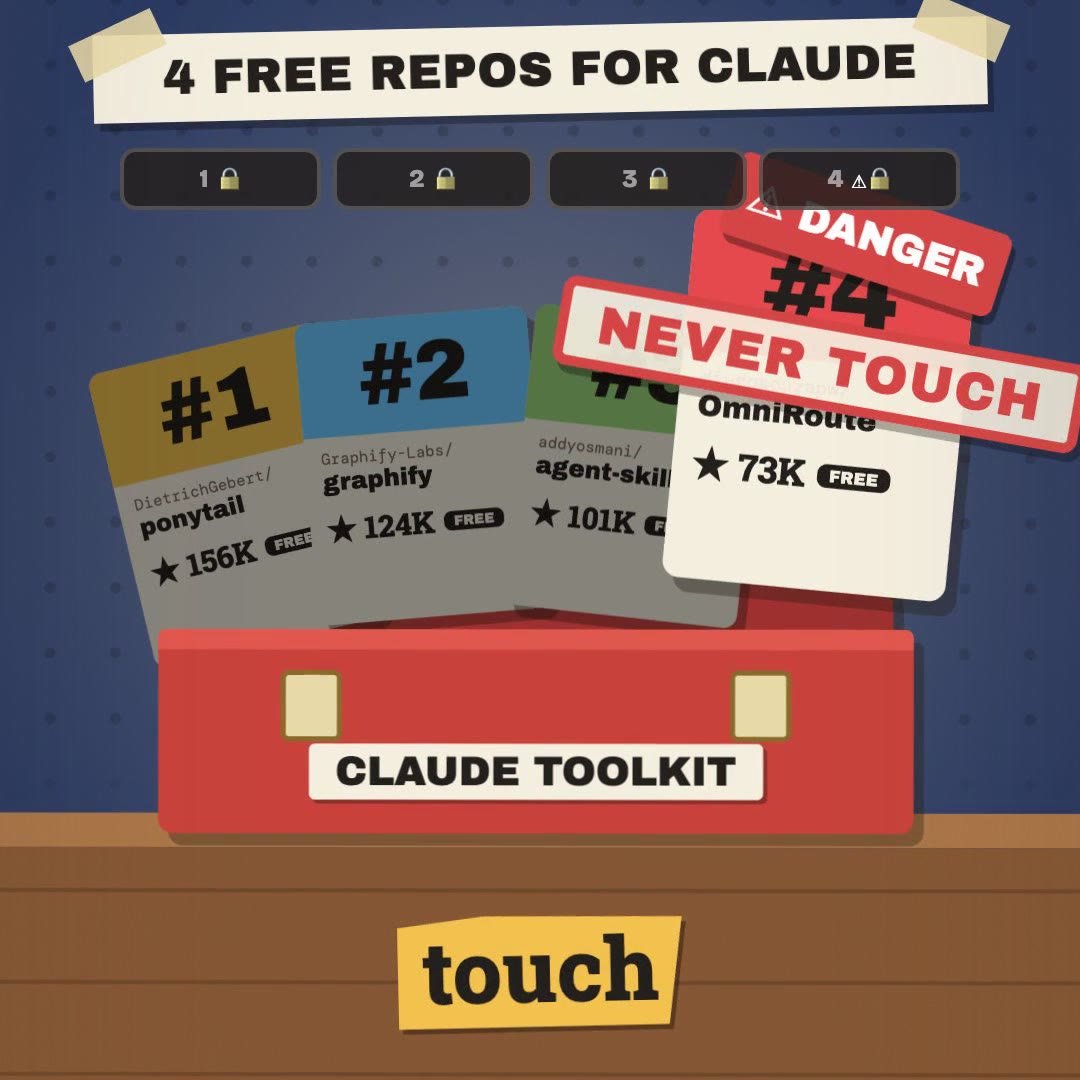 Claude Code · free & open source4 free GitHub repos for Claude (and the one I won't install)
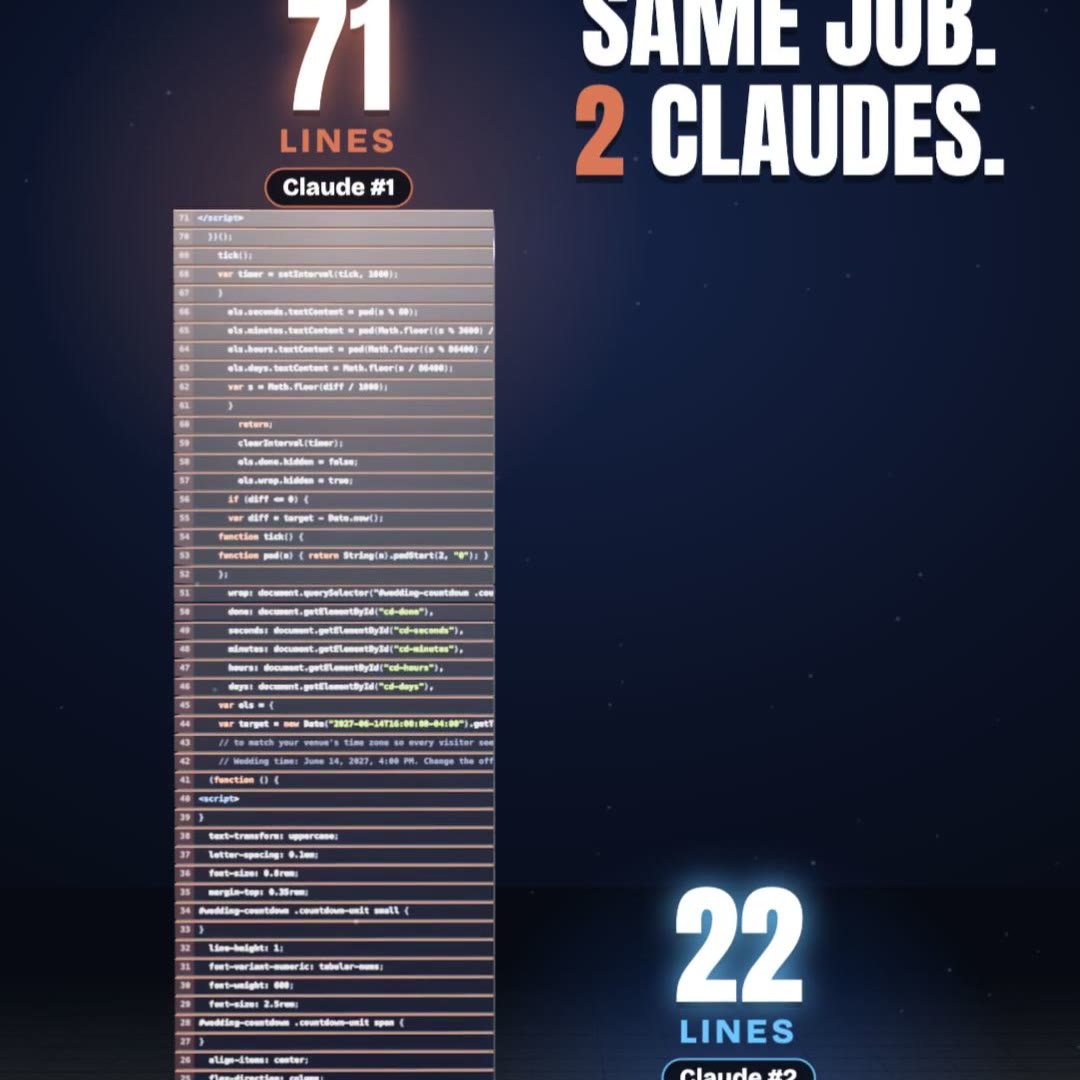 Claude Code · free pluginPonytail: same result, a third of the code
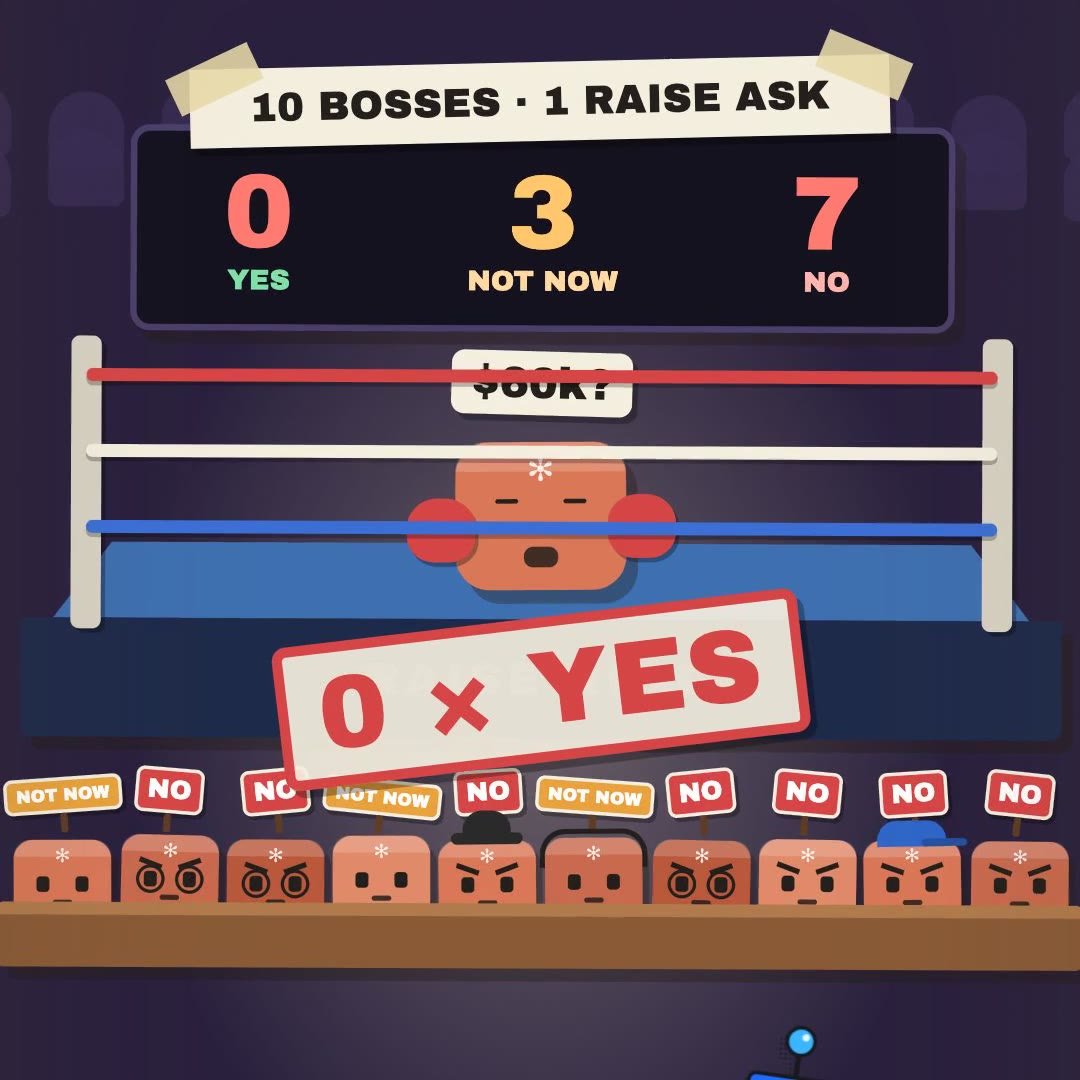 Claude Skill · freeRaise Ring: rehearse your raise ask against 10 Claude bosses before the real one
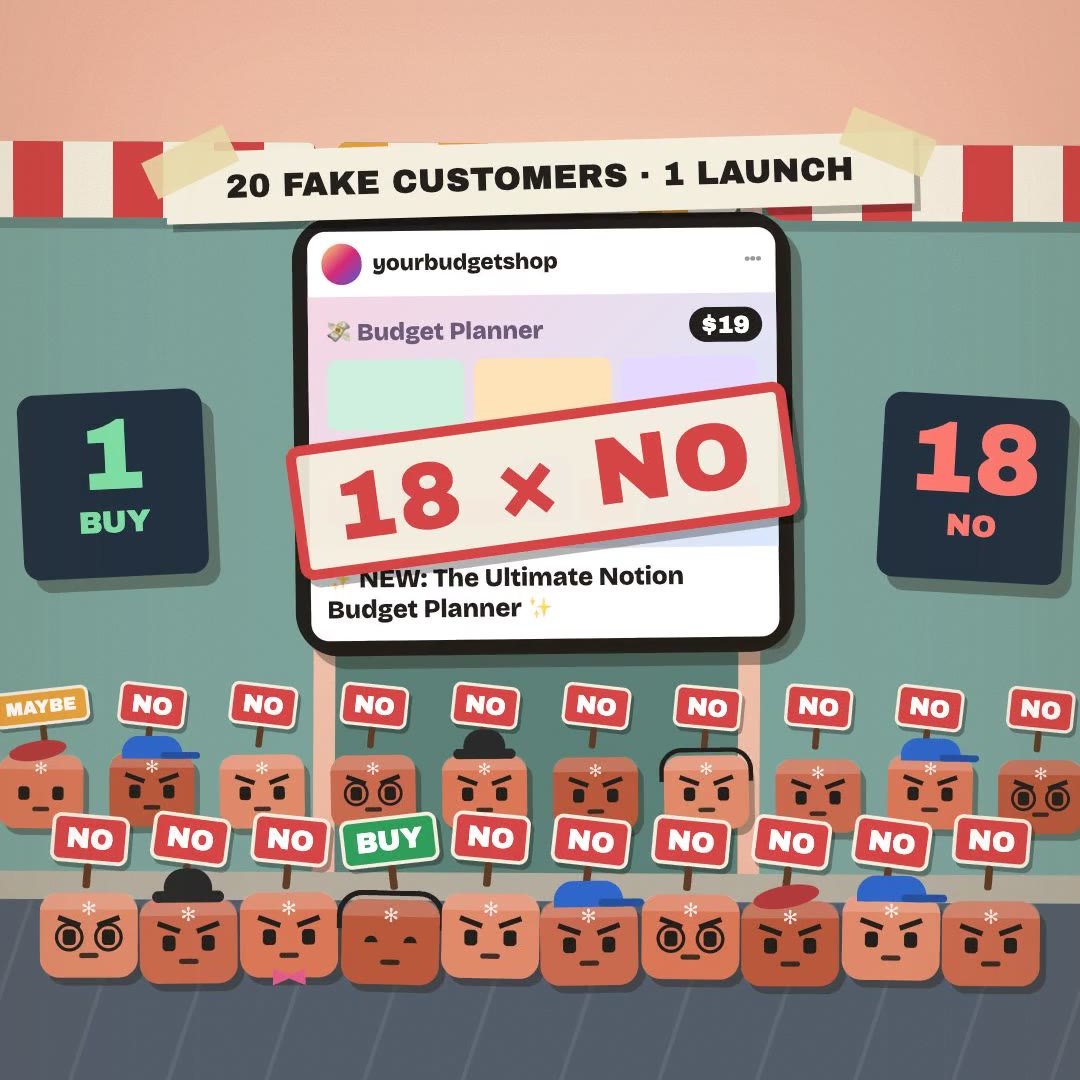 Claude Skill · freeCrowd Test: show your launch to 20 Claude shoppers before real customers see it
 Claude Skill · freeHiring Panel: let 10 Claude interviewers vote on your resume before a real company does
 Claude Skill · freeIdea Court: put your idea on trial in front of 12 Claude jurors