10 things Claude Code can do: the step-by-step guide
Everything from the Reel, step by step: what each feature does, what you need, the exact commands and prompts, and the official docs. Phone coding, MCP apps, screenshot-to-site, browser control, code review, overnight routines, skills, parallel agents, shipping a live app, and making videos.
Came from the Reel? You commented CLAUDE. Here is everything, with one-tap copy.
Before you start: Claude Code needs a paid Claude plan (Pro, Max, Team or Enterprise) or a Console account. The free claude.ai plan doesn't include it.
Setup
Install Claude Code (macOS, Linux, WSL)
curl -fsSL https://claude.ai/install.sh | bash
Install Claude Code (Windows PowerShell)
irm https://claude.ai/install.ps1 | iex
Start it inside your project folder and log in
claude
Free download
🎁 Download the full guide (PDF)
All 10 steps, commands and prompts in one printable file. Keep it next to your terminal.
Claude reads images. Give it a screenshot or a mockup and it rebuilds the page as working code.
You need
A screenshot or design image
Start Claude Code in an empty folder.
Paste the screenshot into the prompt (Ctrl+V) or drag the file in.
Send the prompt below, then open the local preview it starts.
Prompt
Build this page as a responsive website. Match the layout, colors, fonts and spacing as closely as you can, then start a local preview and tell me the URL.
Tip: Follow up with "compare your version with the screenshot and fix the 3 biggest differences."
A review pass that hunts for logic bugs, security holes and broken edge cases, then fixes them if you want.
You need
A git repository with changes
Finish your changes on a branch.
Run the review command below.
Add --fix to apply the findings automatically.
Command
/code-review --fix
Tip: On Team and Enterprise plans, the managed Code Review runs a fleet of agents on every GitHub pull request. Comment @claude review on a PR to start one.
Claude writes the app, runs it, fixes what breaks and runs the deploy command so you get a real link.
You need
A free Vercel account (or any host you like)
Start Claude Code in an empty folder.
Send the prompt below.
Log in to Vercel when it asks. Claude returns the live URL.
Prompt
Build a habit tracker web app with daily check-ins, streaks and a clean mobile layout. Run it locally, fix any errors, then deploy it to Vercel and give me the live URL.
Tip: Ask for one feature at a time after the first deploy. Small steps keep the app working.
The Reel itself: Claude Code wrote the animation code (Remotion + HyperFrames), the beat-synced edit and the self-checks.
You need
The Remotion skill (see #4)
Install the Remotion skill.
Describe the video: length, format, scenes, beat.
Ask Claude to render stills and check them before the final render.
Command
npx create-video@latest
Prompt
Make a 40-second 9:16 Remotion video: a countdown from 10 to 1, a giant number slam on every item, a different transition each time, all cut to a 128 BPM beat. Render stills of every scene and fix anything clipped before the final render.
Tip: Our full video setup and free Motion SKILL.md are at vintuxai.com/ig/motion.
 Claude Skill · free & open sourceThe free YouTube Agent Skill: 11 Claudes, and my 18-hook test
 GitHub · open source · side hustle4 GitHub repos as businesses: what 5 AI investors funded
 Claude Code · free & open source4 free GitHub repos for Claude (and the one I won't install)
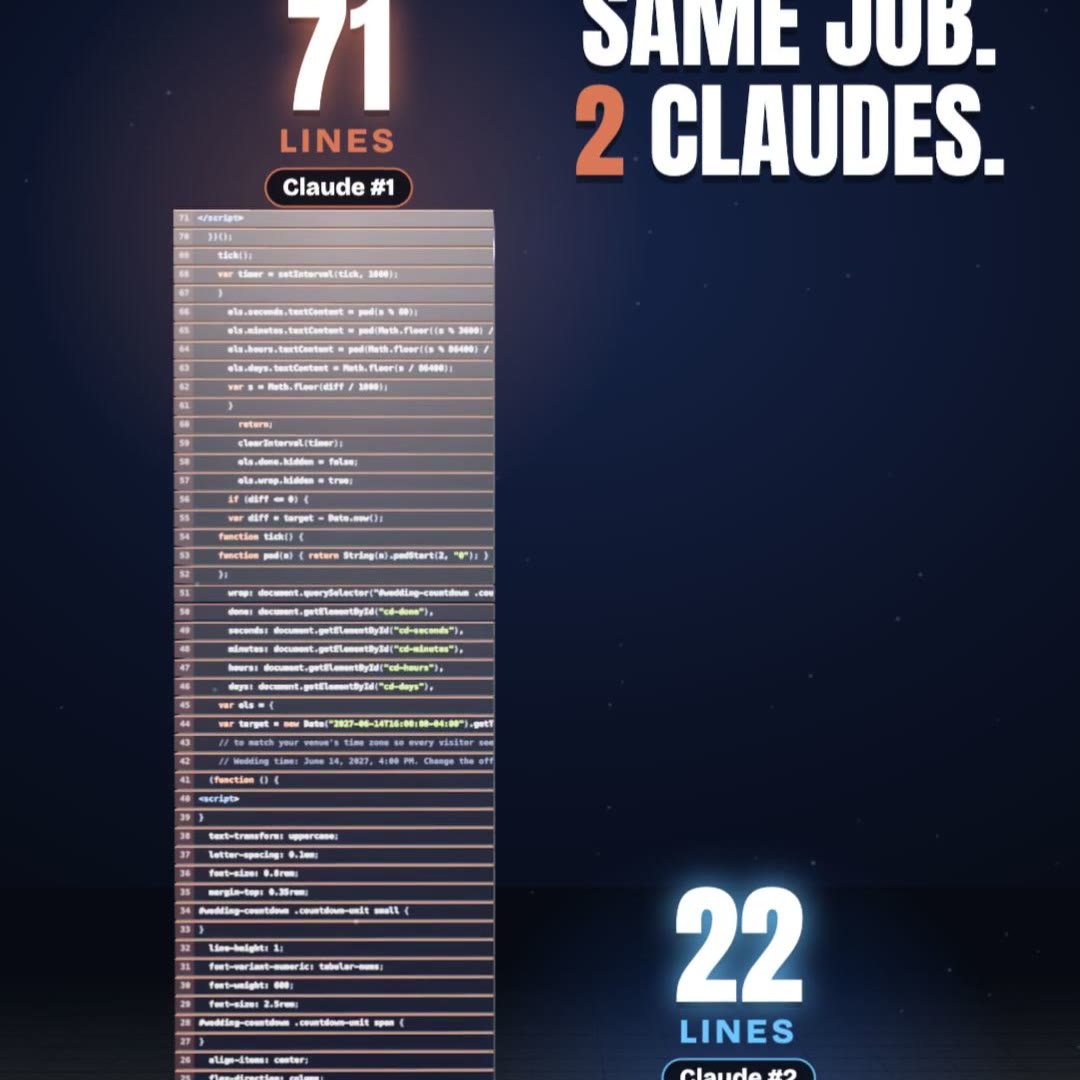 Claude Code · free pluginPonytail: same result, a third of the code
 Claude Skill · freeRaise Ring: rehearse your raise ask against 10 Claude bosses before the real one
 Claude Skill · freeCrowd Test: show your launch to 20 Claude shoppers before real customers see it
 Claude Skill · freeHiring Panel: let 10 Claude interviewers vote on your resume before a real company does
 Claude Skill · freeIdea Court: put your idea on trial in front of 12 Claude jurors